


Cómo hacer un boomerang de Instagram en 2025

Instagram Consejos | 17 de septiembre de 2025
Imagina a un barista dibujando un corazón en un café con leche. Es bonito, ¿verdad? Ahora imagina ver ese mismo gesto repetirse una y otra vez. O que un nuevo producto caiga dentro de una caja y salte al instante hacia arriba, como si dijera: «¡Elígeme!». Así es exactamente como funciona un boomerang de Instagram .
Es un vídeo corto que se reproduce primero hacia adelante y luego hacia atrás, creando un efecto de bucle infinito. Llama la atención, hace que tu contenido resulte más dinámico y divertido, y en 2025 vuelve a estar de moda. No es de extrañar, ya que es una forma estupenda de mostrar un producto o un servicio de manera divertida sin necesidad de costosas grabaciones.
Por eso hemos decidido hacer esta guía rápida. Te mostraremos cómo crear un Boomerang y hacer que tu contenido destaque en el feed.

¿Qué es un boomerang de Instagram ?
Un «Boomerang» es un vídeo corto que repite una acción rápida. El vídeo se reproduce hacia adelante desde el punto de inicio y, a continuación, retrocede inmediatamente hasta ese punto, repitiéndose en bucle de forma continua. En Instagram se pueden crear «Boomerangs» a partir de vídeos cortos o de una serie de fotos.
Intentemos explicar qué es un «boomerang» en Instagram utilizando ejemplos sencillos de la vida cotidiana:
- Abrir una botella de champán, con el corcho saliendo disparado y volviendo a encajarse al instante.
- Zambullirse en una piscina, cuando el chapoteo te salpica las manos.
- Morder una hamburguesa y que el bocado vuelva a parecer entero al instante.
Boomerang apareció por primera vez en Instagram en 2015 y rápidamente ganó popularidad gracias a sus publicaciones creativas. Sin embargo, perdió parte de su atractivo al cabo de unos años, a medida que Reels y Stories iban ganando terreno.
Ahora, en 2025, vuelve a estar de moda. Los usuarios, incluidas las marcas, valoran este formato rápido y atractivo para mostrar productos, eventos o, simplemente, momentos divertidos de una forma nueva y fresca.
¿Cómo funciona el efecto bumerán?
Un «Boomerang» convierte un vídeo corto o una «Live Photo» en un miniclip que se reproduce en bucle hacia adelante y hacia atrás. Imagínate lanzar un avión de papel. Sale volando y, al instante, vuelve disparado a tu mano. Ese movimiento de ida y vuelta llama la atención y aporta dinamismo a tu contenido.
La clave está en el movimiento. No te limites a sostener el café. Da un sorbo, guiña un ojo o lanza algo al aire. El movimiento es lo que da vida al Boomerang.
Este efecto ya está disponible en las historias de « Instagram » para iPhone y Android. Solo tienes que seleccionar el efecto «Boomerang» y « Instagram » creará automáticamente el vídeo por ti.
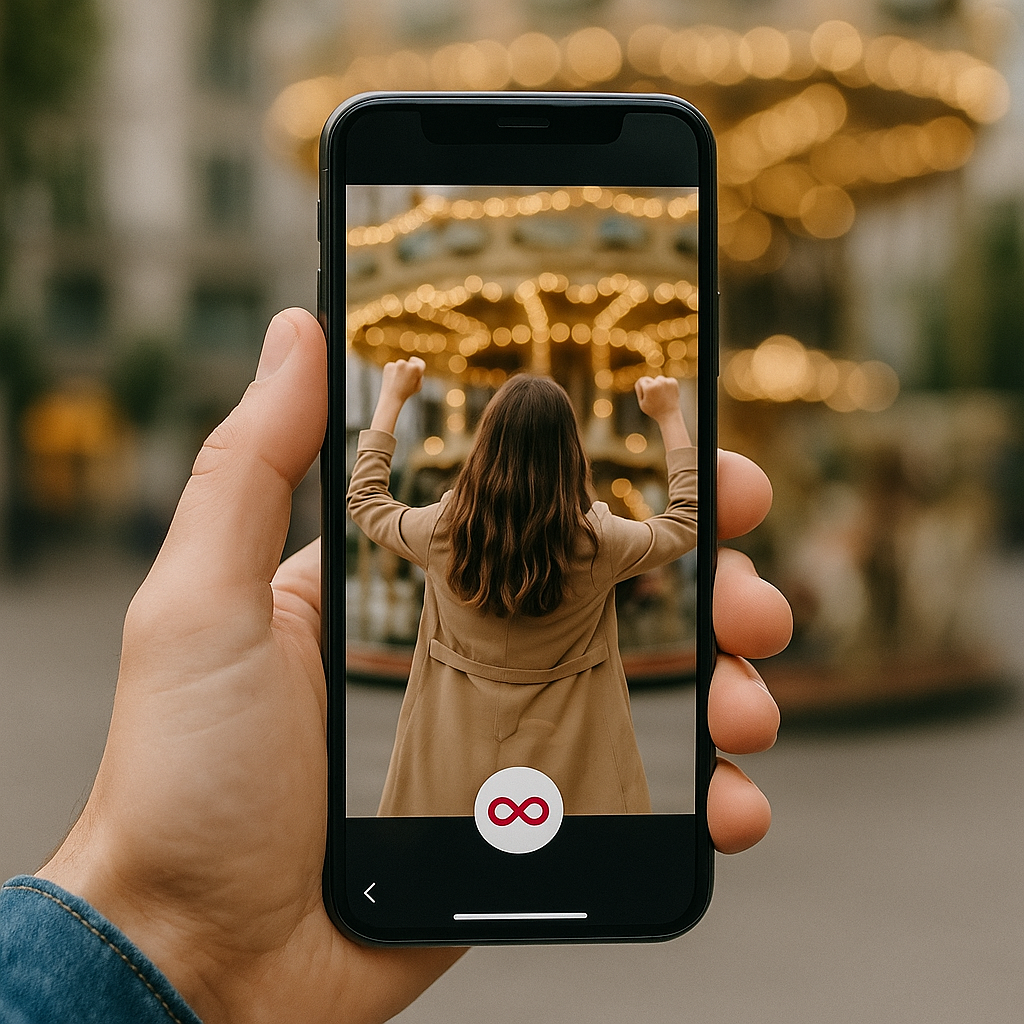
Cómo crear un boomerang en Instagram
Vale, ¿preparado para aprender a hacer un boomerang en Instagram? Tienes un par de opciones. Puedes grabarlo con el efecto directamente o añadirlo a una foto o vídeo Live que ya tengas. Vayamos paso a paso.
Cómo hacer un boomerang desde la cámara de Instagram
¿Quieres capturar un momento divertido al instante? Instagram te permite crear un Boomerang directamente desde la cámara. Sigue estos pasos:
- Historias abiertas.
- Busca el icono ∞ (símbolo de infinito).
- Mantenga pulsado para grabar durante unos instantes.
- Edita tu vídeo añadiendo efectos, cambiando la velocidad y dando un toque más creativo a tu Boomerang.
- Publica tu Historia y espera las reacciones.
Cómo convertir un vídeo en un boomerang
Normalmente, se necesita una aplicación de terceros para convertir un vídeo normal en un Boomerang. Sin embargo, los vídeos cortos grabados como «Live Photos» en el iPhone funcionan al instante. Una «Live Photo» es un formato especial del iPhone que captura una imagen fija junto con unos segundos de movimiento. Básicamente, es un vídeo muy breve que parece una foto normal hasta que lo mantienes pulsado.
Esto es lo que hay que hacer:
- Abrir Historias en Instagram.
- Desliza el dedo hacia arriba para abrir el rollo de la cámara.
- Selecciona una Live Photo y busca el icono ∞.
- Toca el icono ∞ y, ¡así de fácil, se crea un boomerang!
Android no es compatible con Live Photos, por lo que solo puedes grabar nuevos «boomerangs» directamente con la cámara de « Instagram », no a partir de vídeos ya grabados.
Cómo hacer un boomerang a partir de fotos
¿Quieres crear un «boomerang» a partir de una foto? En Instagram, esto solo funciona con «Live Photos». Si se trata de una foto normal, Instagram no la convertirá en un «boomerang». En ese caso, puedes utilizar una aplicación de terceros. Algunas opciones populares son:
- Boomerit Boomerang Maker: Convierte cualquier vídeo o incluso una serie de fotos en un «boomerang». Puedes ajustar la velocidad, configurar el número de repeticiones y añadir filtros.
- Boomerang Video Maker: Ofrece una gran variedad de filtros y efectos para que puedas crear vídeos realmente creativos.
- CapCut: un popular editor «todo en uno». Es perfecto si no tienes Live Photos, ya que puede convertir cualquier vídeo en un boomerang.
- Loop Video & GIF Maker: te permite crear tanto boomerangs como GIF directamente a partir de los vídeos de tu móvil, con opciones de configuración ajustables.
¿Se podrá seguir utilizando la aplicación Boomerang en 2025?
La respuesta corta es no. Antes existía una aplicación independiente llamada Boomerang. Sin embargo, Instagram la eliminó en marzo de 2022 y la retiró de la App Store y de Google Play. Ahora puedes utilizar todas las funciones de Boomerang directamente en las historias de Instagram .
En 2025, ya no encontrarás el antiguo icono de Boomerang por ningún lado. Si quieres usar un boomerang, tendrás que hacerlo directamente en Instagram.
Ideas creativas para bumeranes de Instagram
¿Quieres probar Boomerang pero no sabes qué publicar? Aquí tienes algunos ejemplos para tu Boomerang:
- Movimiento de pelo: agita el pelo, una bufanda o incluso un sombrero original. Ese gesto llamativo capta la atención al instante y hace que la gente no aparte la mirada.
- Salto a la piscina: Captura el momento en el que alguien se lanza a la piscina, mostrando acción y diversión. Perfecto para hoteles, complejos turísticos o para crear un ambiente veraniego. El bucle hace que el chapuzón resulte animado y enérgico.
- Un perro atrapando una pelota: una opción divertida para marcas de mascotas, deportes o cualquier persona que quiera mostrar diversión activa. El efecto boomerang resalta la velocidad y la emoción, y el bucle hace que sea adictivo de ver.
- Lleva la copa de vino a los labios: Brinda por los restaurantes, bares o servicios de catering. Cambia el vino por un café o un trozo de tarta de queso y promociona todo lo que necesitas de la forma más deliciosa.
- Velas de tarta que se vuelven a encender: Contemple la magia de las velas encendiéndose una y otra vez. Perfecto para pastelerías o servicios para fiestas. Este divertido bucle añade alegría y hace sonreír a todo el mundo.
Cuanto más movimiento, energía y efecto creativo añadas, más probable será que la gente vea tu Boomerang una y otra vez.
Editar y mejorar tu boomerang
Incluso un vídeo corto puede ser mucho más interesante. Vamos a animarlo un poco.
Añadir filtros y efectos
Pon un filtro y observa cómo el clip se llena de nuevos colores.
- Slow-/m: Ralentiza la acción, aportando un toque dramático y cinematográfico.
- Eco: Crea un efecto de «visión doble», como si el movimiento dejara una sombra a su paso.
- Duo: Se reproduce hacia delante y hacia atrás con un ligero y sutil fallo técnico que le da un toque elegante.
Puedes ajustar la velocidad, los colores y la dirección del bucle. Incluso un solo segundo puede convertirse en un pequeño espectáculo.
Aplicaciones de terceros para obtener mejores resultados
¿No quieres limitarte solo a Instagram? ¡No hay problema! Puedes utilizar algunas aplicaciones de terceros muy útiles. No crearán un Boomerang de la nada, pero harán que tus vídeos sean mucho más chulos. Recórtalos, añádeles texto, música o incluso cambia el fondo.
Aquí tienes tres grandes opciones:
- Boomloop: Infinity Loop and Playback Video Maker convierte tus vídeos en bucles infinitos. Puedes ajustar la velocidad, el número de repeticiones y aplicar algunos filtros.
- Boomerang Video Loop Maker convierte cualquier vídeo en un Boomerang en bucle. Puedes añadir efectos divertidos como rebobinar, slow-/m o avanzar rápidamente para darle más vida.
- Adobe Express permite crear GIF al estilo Boomerang, utiliza plantillas ya preparadas y edita tus vídeos sin necesidad de descargar nada.
Cuando lo hayas pulido, solo tienes que subirlo a Instagram y verás cómo todo el mundo le da al botón de «reproducir».
Buenas prácticas para publicar boomerangs en Instagram
Ahora es el momento de planificar cuándo publicar tu historia de Instagram Boomerang para que llame la atención en el feed.
Leyendas y hashtags que funcionan bien
No te limites a escribir pies de foto sencillos y aburridos. En su lugar, añade un pie de foto que aporte contexto o refleje tu personalidad, como por ejemplo:
- "Cuando te das cuenta de que es viernes"
- "Yo tratando de actuar normal en el brunch"
- "Recién salidas del horno - tus nuevas galletas favoritas"
- "Preparando nuestra última colección - ¡un vistazo al interior!"
- "Café y planificación = comienzo perfecto de la semana"
¡Y no te olvides de los hashtags! Ayudan a que gente nueva encuentre tu contenido. Ejemplos: #MorningVibes, #WeekendMood, #WorkFromHome, #SmallBusinessLove, #DailyInspo, #ShopLocal, #NewArrivals.
De esta forma, la gente se fijará en tu Boomerang, lo que se traducirá en más «me gusta», comentarios y compartidos.
Cuándo y dónde publicar para captar la atención
Publica por la noche o los fines de semana para conseguir más interacción. Es entonces cuando la gente puede desplazarse por las Historias y verlas. ¿A primera hora de la mañana? Todo el mundo está ocupado con el café y no mirando Instagram.
Una buena regla es publicar entre las 18:00 y las 21:00 horas los días laborables, cuando la gente empieza a relajarse después del trabajo o de las clases. Los fines de semana, prueba entre las 10:00 y las 13:00 horas, cuando muchos se relajan y consultan las «Stories» mientras toman el brunch o un café.
Problemas comunes y cómo solucionarlos
A veces, tu Boomerang de Instagram no queda tan bien como te imaginabas o simplemente no funciona. No te preocupes, es normal, sobre todo si eres nuevo en esto de crear Boomerangs. Hay algunos pequeños factores que pueden causar problemas, como fallos de la aplicación, poca luz o un sistema desactualizado. La buena noticia es que la mayoría de los problemas se solucionan fácilmente.
¿Por qué no funciona mi Boomerang?
Si tu Boomerang no funciona, revisa estos problemas habituales y sus soluciones:
- No se inicia o se bloquea: Cierra Instagram y vuelve a abrirlo, comprueba si hay actualizaciones o reinicia el móvil.
- La aplicación se cuelga: Asegúrate de que tienes suficiente espacio en el móvil y libera espacio de almacenamiento si es necesario. Además, comprueba que tengas una buena conexión a Internet.
- Vídeo borroso o movido: Mantén el teléfono firme y evita los movimientos rápidos, a menos que ese sea el efecto que deseas.
- Vídeo de baja calidad: Filma cerca de una ventana o en el exterior con luz natural. Las habitaciones oscuras dan un aspecto granulado.
- No hay opción de Boomerang en Live Photos: Probablemente hace tiempo que no actualizas Instagram . Actualiza la app para ver el icono del infinito(∞).
- Problemas de sonido o reproducción: Actualiza Instagram y reinicia el teléfono.
Calidad del bumerán y consejos de iluminación
Los bumeranes describen su trayectoria en un bucle a gran velocidad, por lo que los pequeños detalles, como el temblor de las manos o una iluminación deficiente, se notan enseguida. Una luz intensa y un movimiento constante permiten conseguir un bucle fluido y espectacular.
Consejos para mejorar la calidad:
- Utiliza luz natural y brillante para obtener los mejores resultados.
- Evita las salas oscuras que dejan el vídeo borroso o desordenado.
- Sujeta el teléfono con firmeza para evitar tomas movidas.
- Realiza movimientos pequeños y controlados para conseguir un acabado impecable.
Últimos consejos para hacer bumeranes llamativos
¡Piensa a lo grande! Un Boomerang no se limita a mostrar cómo se sirve un café o a grabar un tiro en suspensión. Puede capturar tu reacción, convertirse en un meme divertido o incluso en un pequeño experimento. Prueba a crear versiones para Reels, añade texto, música o pegatinas GIF para aumentar la interacción.
Consejos para que tu Boomerang sea más creativo:
- Prueba diferentes ángulos: Los pequeños movimientos de cámara lo hacen más dinámico.
- Juega con la velocidad: el efecto/m «Duo» puede convertir incluso un simple gesto en algo divertido.
- Añade detalles: Muestra las reacciones de las personas u objetos del encuadre.
- Texto y pegatinas: Explican el contexto y lo hacen más animado.
- Reels y reutilización: No te limites a una sola «Story», compártela en diferentes formatos.
Y lo más importante: no te guardes tus ideas para ti solo. Dale a «Compartir» para que tu Boomerang se haga viral. Colabora con nosotros en Path Social y haz que tu contenido destaque, sea divertido y atraiga a la gente.





¿Buscas Instagram reales y auténticos en Instagram ?
Deje que nuestro crecimiento orgánico dirigido por IA trabaje para usted.
Consigue seguidores de Instagram ahora