


How to Hide or Unhide Tagged Photos on Instagram


Quick Answer
To hide a tagged photo on Instagram: open the post → tap the three dots (top-right) → Tag Options → Hide from my profile. To unhide it: open the same post → three dots → Tag Options → Show on my profile. Hiding only removes the post from your profile grid – the original post and tag stay live. To cut ties completely, tap your username on the post and choose Remove me from post.
Click here to
Grow Instagram Followers
You can control your Instagram profile by hiding tagged posts by tapping on Tag Options and then “Hide from my profile” or unhide by tapping on “Show on my profile”. In this article, we explain how to not show tagged posts on Instagram and unhide them if needed.
The correct settings let you control your profile. You can choose what photos you want to be shown and hidden in the photos without altering the original publication.

What It Means to Hide or Unhide Tagged Photos
Once you hide tagged photos Instagram, they are removed from your profile but remain on the post. The tag is still active, which means it can be searched for. To undo the action, see how to unhide Instagram posts without retagging. A full instruction is also presented in the Instagram Help Center.
How to Hide a Tagged Photo on Instagram
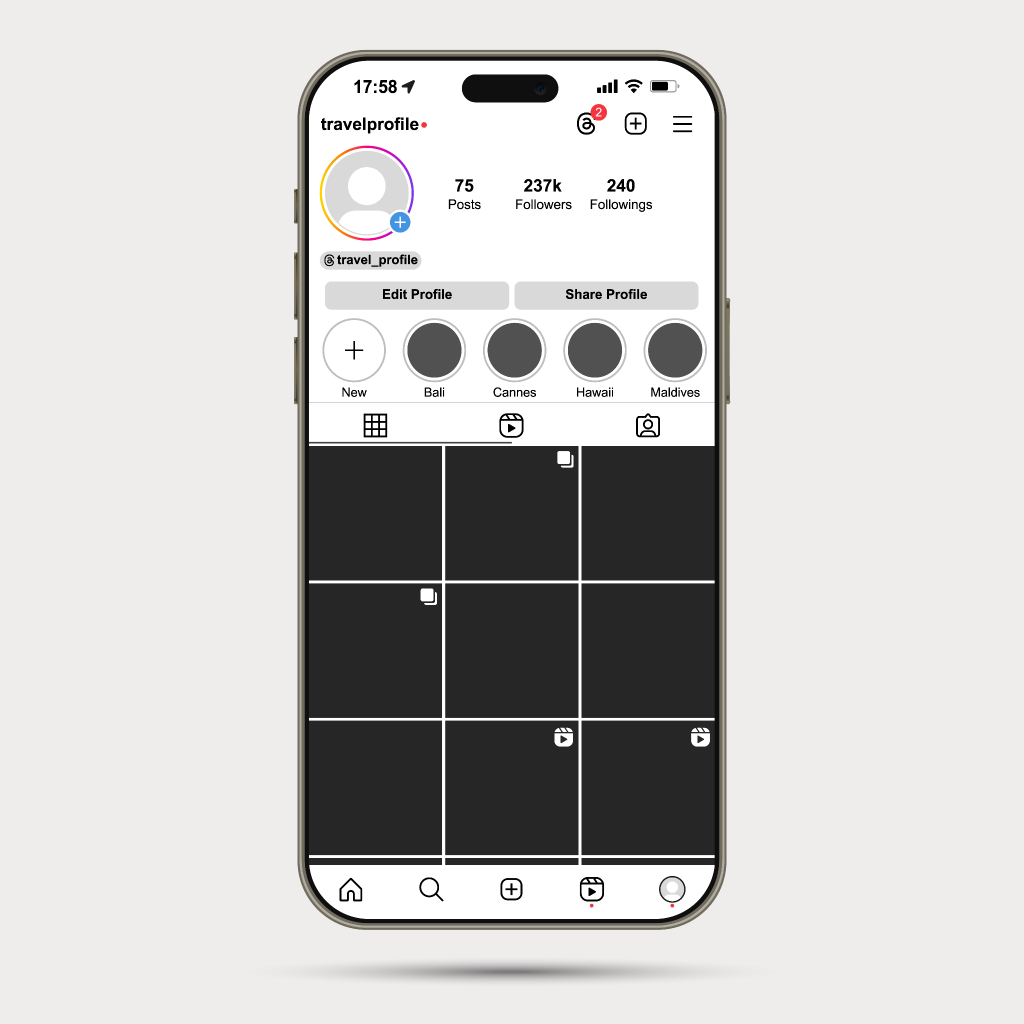
You can hide photos on Instagram for any post where your profile was mentioned. The easiest way to see how to hide tagged photos on Instagram is to use the post settings:
- Navigate to the target post.
- Tap the three dots in the top-right.
- Select ‘Tag Options’.
- Select ‘Hide from my profile’.
How to Unhide a Tagged Photo on Instagram
To unhide posts, find the original post. Here’s the most popular method of how to unhide tagged photos on Instagram that have been hidden:
- Go to the original post.
- Tap the three dots.
- Select ’Tag Options’.
- Select ‘Show on my profile’.
The photo will now be visible on your profile in the post.
How to Hide Multiple Tagged Posts
Instagram also allows you to hide multiple posts. This can come in useful if you’re wondering how to hide tagged photos Instagram from previous posts:
- Go to your profile.
- Open the menu.
- Tap ‘Your Activity’.
- Select ‘Tags’.
- Tap ‘Select’.
- Choose posts.
- Tap ‘Hide’.
How to Remove a Tag Completely
You can decide to remove the tag. People who search for how to remove tagged photos on Instagram should know that the chosen photos will be deleted from the post.
- Open the target post.
- Tap your username.
- Tap “Remove me from post”.
Users should consider that removing a tag is not the same as deleting a post from Instagram.
How to Control Future Tags
You can also change your settings so that you do not receive unwanted tag requests. This will help you with how to not show tagged publications on Instagram.
- Go to settings.
- Click on ‘Tags and mentions’.
- Enable manual approval.
- Approve tags before posting.
Some free tools may help you to analyze an Instagram profile and define all the details and statistics about it.
When to Hide vs. Remove a tag?
When you hide the publication, you do not remove the tag, but remove the post from your profile. Removing completely deletes the tag. Use hide if you want to clean up your profile. Use remove if you don’t want to be associated with the post.
Final Thoughts
How to stay on-brand? Hiding all the photos where you are indicated could be a case of “less is more”. Do you really need all your tagged photos, or just the on-brand ones?
If you’ve been searching for how to hide tagged posts on Instagram, it’s not a new tool, but a few new tricks. Ask the right questions and make quick decisions. This way, your tagged feed is not just part of you, but an active part.
FAQ
Will hiding photos in the post remove the post?
No, it will only hide the post in your profile. The post will not be deleted.
If you are retagged after untagging yourself, what will happen?
You will be retagged as a new action, and the post will show up again if you have chosen to approve tags.
Will hiding tagged posts affect the original post?
Hiding a tagged publication will not affect the original publication, but it will be hidden on your profile.



Looking for Real, Organic Instagram Followers?
Let our AI-targeted organic growth work for you.
Get Instagram Followers Now