Ask Meta AI Instagram: Votre nouvel assistant pour les médias sociaux

Instagram | 20 novembre 2024
Fais place, ChatGPT ! Un nouvel assistant IA fait son apparition, spécialement conçu pour améliorer ta présence sur les réseaux sociaux. Il s’agit d’Ask Meta AI Instagram, un assistant numérique qui répond à tes questions et génère des idées créatives directement depuis Instagram.
La tendance de l'IA sur Instagram ne cesse de prendre de l'ampleur. Et aujourd'hui, le réseau Meta dispose enfin de son propre outil d'IA pour vous aider à renforcer votre Instagram . Vous souhaitez savoir comment cela fonctionne ? Dans ce guide, nous vous expliquons tout ce que vous devez savoir à ce sujet. Continuez à faire défiler pour découvrir comment Instagramnouvelle IA intégrée Instagrampeut améliorer votre expérience Instagram !

Qu'est-ce que Ask Meta AI sur Instagram?
Meta AI est un assistant numérique interactif intégré à Instagram qui vous aide à répondre aux questions et à générer des idées de contenu. Il s'appuie sur un modèle linguistique de pointe appelé LLaMA. Meta affirme qu'il s'agit de "l'assistant d'IA le plus intelligent que vous puissiez utiliser gratuitement" à notre époque !
Posez n'importe quelle question à l'outil d'IA et vous obtiendrez une réponse de grande qualité en quelques secondes seulement. Il peut tout faire : répondre à des questions générales, proposer des recommandations de destinations de voyage, des idées de menus, et bien plus encore. Il est même capable de générer des images originales à partir de n'importe quelle consigne créative ! C'est l'outil idéal pour trouver tout ce dont vous avez besoin sans quitter Instagram .
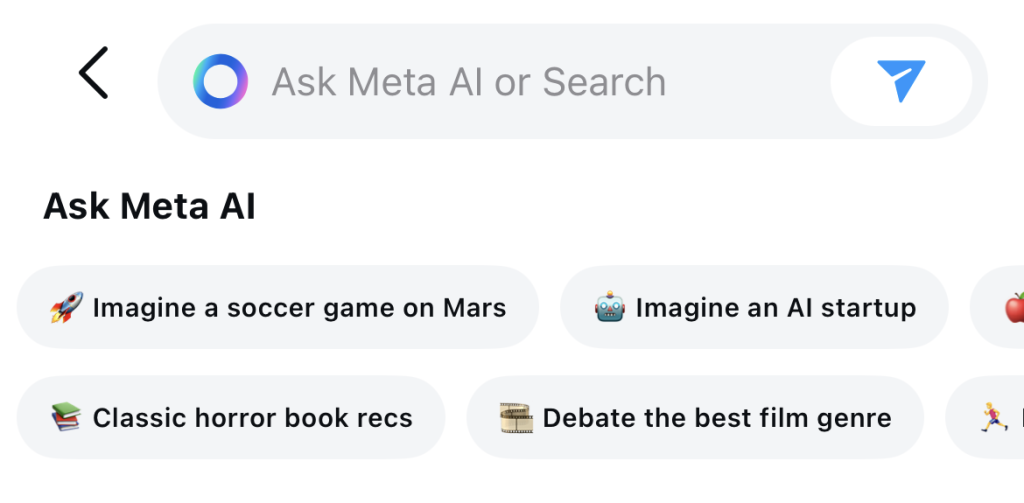
Instagram peuvent accéder à la fonctionnalité d'IA via leurs messages privés. Dans le champ de recherche, à la place de la loupe habituelle, vous devriez voir le logo représentant un cercle bleu creux. Et au lieu de « Rechercher », le champ devrait indiquer « Demandez à Meta AI ». Appuyez dessus et posez vos questions !
Cet outil d'IA n'est pas encore accessible à tout le monde. Meta et Instagram actuellement Instagram déployer cette fonctionnalité petit à petit, mais sûrement, région par région et utilisateur par utilisateur. Alors, si vous ne l'avez pas encore, ne boudez pas. Vous l'aurez bien plus tôt que vous ne le pensez !
Comment utiliser Instagram Meta AI Search
Faites-vous partie des utilisateurs chanceux qui peuvent voir la fonctionnalité d'IA dans la barre de recherche de leur boîte de réception ? Voici comment l'utiliser, étape par étape :
1. Dans Instagram , appuyez sur l'icône de messagerie située en haut à droite de l'écran. Vous devriez alors accéder à votre boîte de réception de messages privés.
2. Appuyez sur la barre de recherche qui indique "Ask Meta AI". Des suggestions de recherche devraient s'afficher en dessous pour vous inspirer.
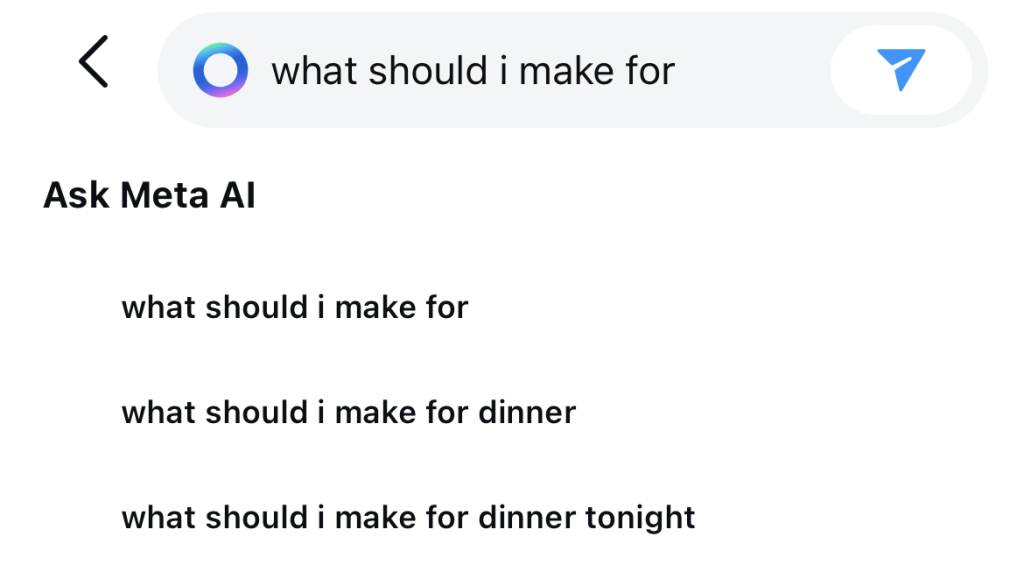
3. Saisissez votre question ou votre demande. Vous devriez voir apparaître en dessous des suggestions de saisie automatique parmi lesquelles vous pouvez également faire votre choix. Cliquez ensuite sur le bouton « Envoyer ».
4. Une nouvelle fenêtre de conversation avec l'outil d'intelligence artificielle devrait s'ouvrir. Attendez quelques secondes que l'assistant d'intelligence artificielle réponde à votre question.
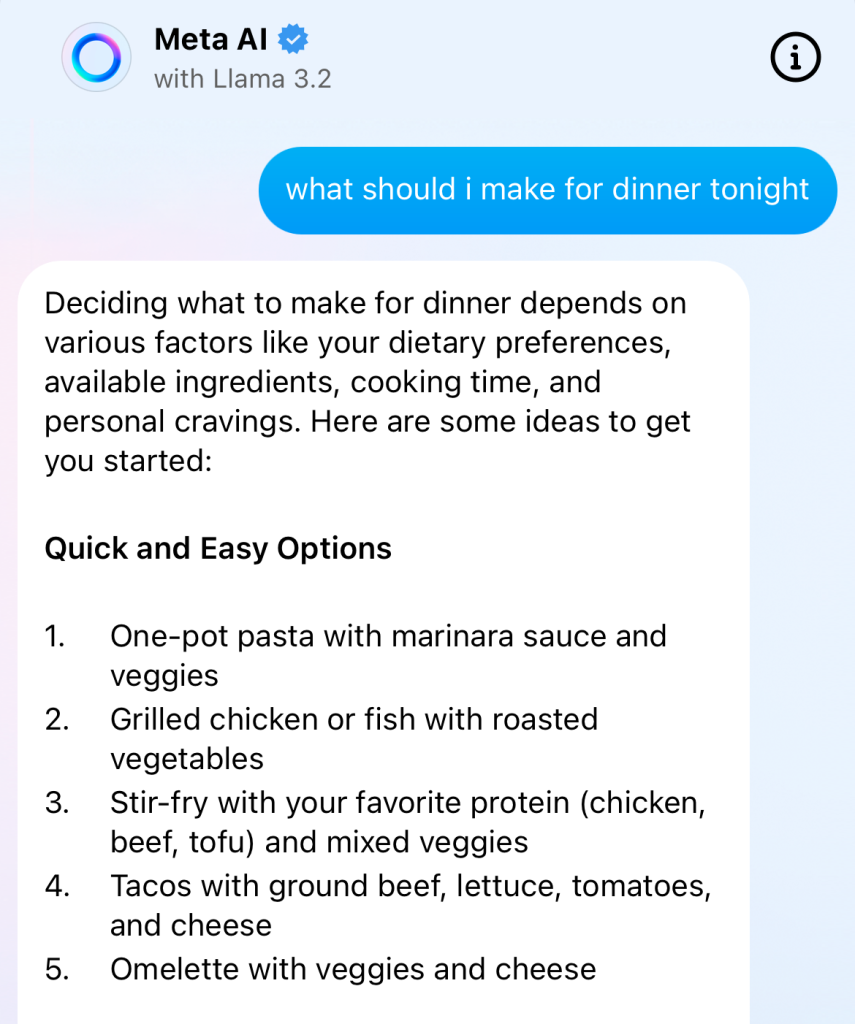
5. Touchez le symbole du pouce vers le haut ou vers le bas pour indiquer à Instagram à quel point vous êtes satisfait de la réponse.
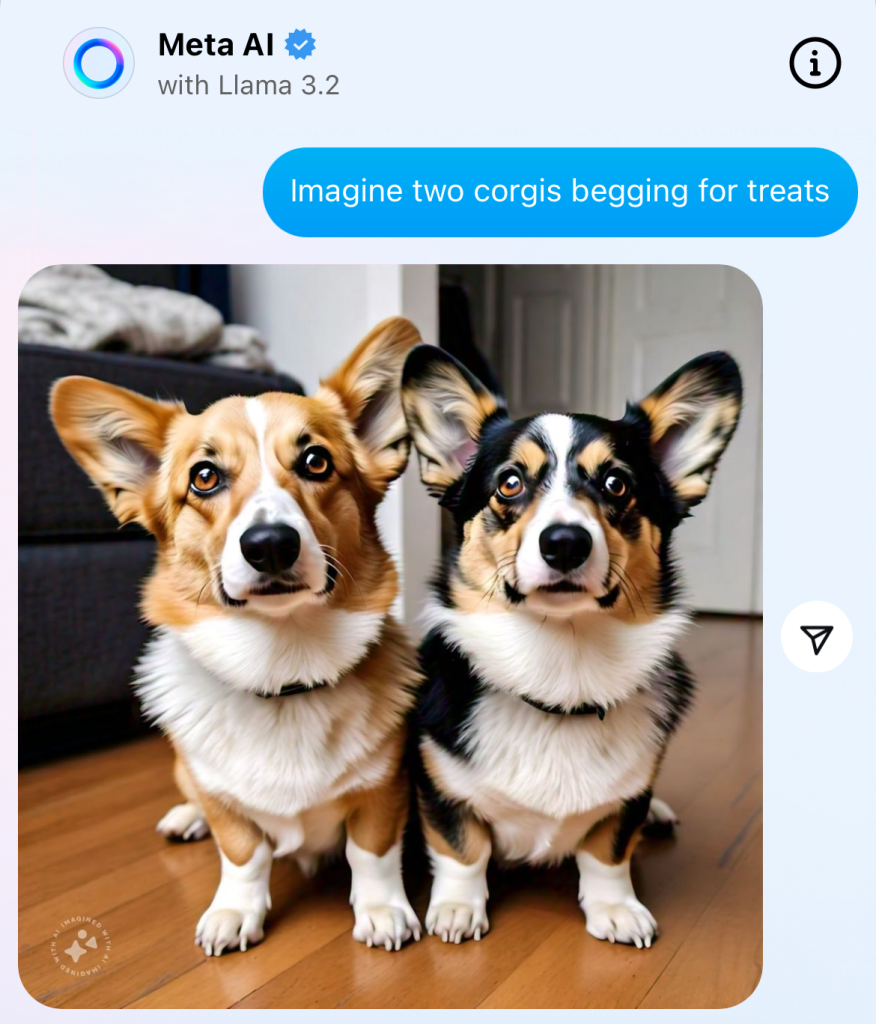
Vous souhaitez demander à l'outil de générer une image pour vous ? Commencez votre requête dans le champ de message par le mot « imagine ». Par exemple : « Imagine une bibliothèque bondée » ou « Imagine deux corgis qui réclament une friandise ! »
Après votre première interaction, votre conversation avec l'assistant IA devrait apparaître dans votre boîte de réception. Il vous suffit de cliquer dessus pour rouvrir la fenêtre de conversation et poser d'autres questions quand vous le souhaitez.
Différentes façons d'utiliser l'IA pour dynamiser votre entreprise Instagram
La fonctionnalité interactive de cet outil d'IA vous permet de poser toutes les questions que vous souhaitez, aussi farfelues et aléatoires soient-elles. Cependant, la meilleure façon de l'utiliser est d'affiner et d'améliorer votre Instagram . Vous souhaitez optimiser Instagram grâce à l'IA? Voici quelques exemples de la manière dont cet outil peut vous y aider :
- Obtenez de l'aide pour rédiger des légendes et des réponses aux commentaires éloquentes, divertissantes et captivantes.
- Élaborez des stratégies pour trouver des idées de contenu créatif afin de remplir votre fil d'actualité de publications esthétiques et captivantes.
- Générez des hashtags IG pertinents pour votre niche et vos contenus afin de booster votre visibilité sur Instagram.
- Trouvez des influenceurs populaires dans des niches et des communautés spécifiques avec lesquels collaborer.
Comment désactiver Ask Meta AI Instagram
Il n'est pas possible de désactiver l'assistant IA sur Instagram, car il apparaîtra toujours dans la barre de recherche des messages. Vous pouvez toutefois désactiver les notifications de la fenêtre de discussion que vous avez avec lui. Voici comment procéder :
1. Glissez vers la gauche sur la conversation Meta AI dans vos DM.
2. Appuyez sur les trois points horizontaux qui apparaissent à côté du nom de la conversation.
3. Sélectionnez Muet , puis Muet des messages.
Comment supprimer vos conversations avec Meta AI
Vous souhaitez supprimer une question et une réponse spécifiques de l'historique de vos conversations avec l'assistant IA ? Pour supprimer une conversation avec l'outil IA, appuyez longuement sur le message que vous souhaitez supprimer. Cliquez ensuite sur « Supprimer pour vous ». Notez que le processus de suppression du contenu prend environ 90 jours, même si celui-ci n'apparaît plus dans votre fenêtre de discussion.
L'IA est la prochaine grande nouveauté pour Instagram La croissance pour les créateurs !
Le nouvel outil de recherche basé sur l'IA Instagramn'est pas seulement intelligent. Il est également créatif et peut vous aider à produire du contenu et des légendes de grande qualité. Cela vous permet de créer du contenu plus percutant pour attirer de nouveaux fans, et ainsi d'augmenter facilement le nombre de vos abonnés !
Mais Ask Meta AI Instagram n'est pas le seul moyen d'utiliser l'IA pour renforcer votre présence en ligne. Il existe de nombreuses autres façons dont l'IA peut vous aider à attirer l'attention sur votre contenu, comme Path Social.
Nous utilisons l'IA pour promouvoir votre contenu directement sur les écrans de votre public. Vous bénéficiez ainsi d'une meilleure visibilité et d'un engagement accru sur vos publications, tout en vous constituant une communauté d'abonnés authentiques et 100 % réels.
Notre système basé sur l'IA a aidé des milliers de créateurs, comme Terrell Conyers, à voir leur communauté s'agrandir de manière organique. Et nous ferons de même pour vous ! Passez à Instagram sur Instagram et gagnez plus d'abonnés grâce à Path Social!
Questions fréquemment posées
Comment puis-je demander Meta AI sur Instagram?
Pour l'instant, il n'est pas possible de demander l'accès à cet outil d'IA si vous ne l'avez pas encore vu dans votre Instagram . La plateforme déploie cette fonctionnalité progressivement : elle est d'abord proposée à certains comptes, puis sera étendue à l'ensemble des utilisateurs ultérieurement. Alors, patience ! Cette fonctionnalité devrait apparaître prochainement dans votre application.
Comment faire pour que Meta AI génère des images ?
Pour générer des images à l'aide de l'outil d'IA, tapez « Imagine », puis votre consigne. Par exemple : « Imagine un arc-en-ciel » ou « Imagine une équipe de basket sur le terrain ». Appuyez ensuite sur Entrée et attendez Instagram votre image.
Comment puis-je m'opposer à Meta AI sur Instagram?
Meta utilise Instagram des utilisateurs pour entraîner son système d'intelligence artificielle. Si vous n'êtes pas à l'aise à l'idée que la plateforme utilise vos informations, vous pouvez toujours vous y opposer.
Lorsque vous recevez une notification de Meta vous informant qu’ils vont commencer à utiliser vos données pour optimiser leurs outils d’IA, cliquez sur le bouton « S’opposer ». C’est tout ! Désormais, ils ne peuvent plus utiliser vos données pour développer leurs outils d’IA.





Vous souhaitez obtenir une croissance organique des médias sociaux ?
Notre stratégie alimentée par l'IA vous aide à attirer des fans authentiques qui s'engagent réellement avec votre contenu.
Boostez dès maintenant votre croissance organique sur les médias sociaux