



Les réseaux sociaux constituent sans aucun doute un excellent moyen d’entretenir nos liens avec notre famille et nos amis, de suivre nos personnalités et marques préférées, et de rester informés de l’actualité mondiale où que nous soyons. Mais nous pouvons également ressentir le besoin de nous déconnecter des réseaux sociaux pour renouer avec la vie réelle ou pour nous accorder un peu de répit loin du tumulte du monde virtuel.
Instagram, comme toutes les autres plateformes de réseaux sociaux, offre à ses utilisateurs la possibilité de désactiver temporairement ou de supprimer définitivement leur compte. La désactivation est, la plupart du temps, la solution à privilégier. Voyons ensemble comment procéder, ainsi que la marche à suivre pour réactiver Instagram vous serez prêt à replonger dans la réalité filtrée qu’il propose.
Désactiver votre compte ou le supprimer
Désactivation de votre compte Instagram
Désactiver ou désactiver votre Instagram revient à mettre vos activités sur les réseaux sociaux en pause. Votre compte disparaîtra pratiquement ; vos abonnés ne pourront plus le trouver, ni aucune de vos anciennes publications, y compris tous vos commentaires sur les publications d'autres utilisateurs. Votre profil sera masqué tant à vos abonnés qu'au grand public ; ainsi, si quelqu'un vous recherche à l'aide de votre Instagram , il n'obtiendra aucun résultat.
Vous ne perdrez aucune de vos données, aucun de vos contenus publiés ni aucun de vos abonnés lorsque vous déciderez de désactiver votre compte, car celui-ci ne sera désactivé que temporairement. Vous pourrez retrouver l'accès à l'ensemble de vos données dès que vous vous reconnecterez, ce qui réactivera automatiquement votre compte.
Suppression de votre compte Instagram
Mais si vous souhaitez renoncer définitivement à votre compte et à tout son contenu, vous pouvez le supprimer. N'oubliez pas que toutes vos données seront perdues à jamais. Si, pour quelque raison que ce soit, vous changez d'avis et souhaitez reprendre l'activité de votre compte, votre seule option sera de repartir de zéro — ce qui impliquera notamment de reconstituer votre base d'abonnés à partir de zéro.
Vous pouvez utiliser le même nom d'utilisateur lorsque vous créez un nouveau compte, sauf dans les cas suivants :
- Le nom d'utilisateur a déjà été pris ; ou
- Votre compte a été supprimé pour violation des normes communautaires de Instagram.
Si vous décidez de supprimer définitivement votre compte, les Conditions d'utilisation et la Politique de confidentialité Instagramstipulent que :
« Le processus de suppression peut prendre jusqu’à 90 jours à compter de son lancement. Des copies de votre contenu peuvent subsister au-delà de ces 90 jours dans nos systèmes de sauvegarde, que nous utilisons pour restaurer les données en cas de sinistre, d’erreur logicielle ou de tout autre incident entraînant une perte de données. Nous pouvons également conserver vos informations dans le cadre de procédures judiciaires, en cas de violation de nos conditions d’utilisation ou à des fins de prévention des préjudices. »
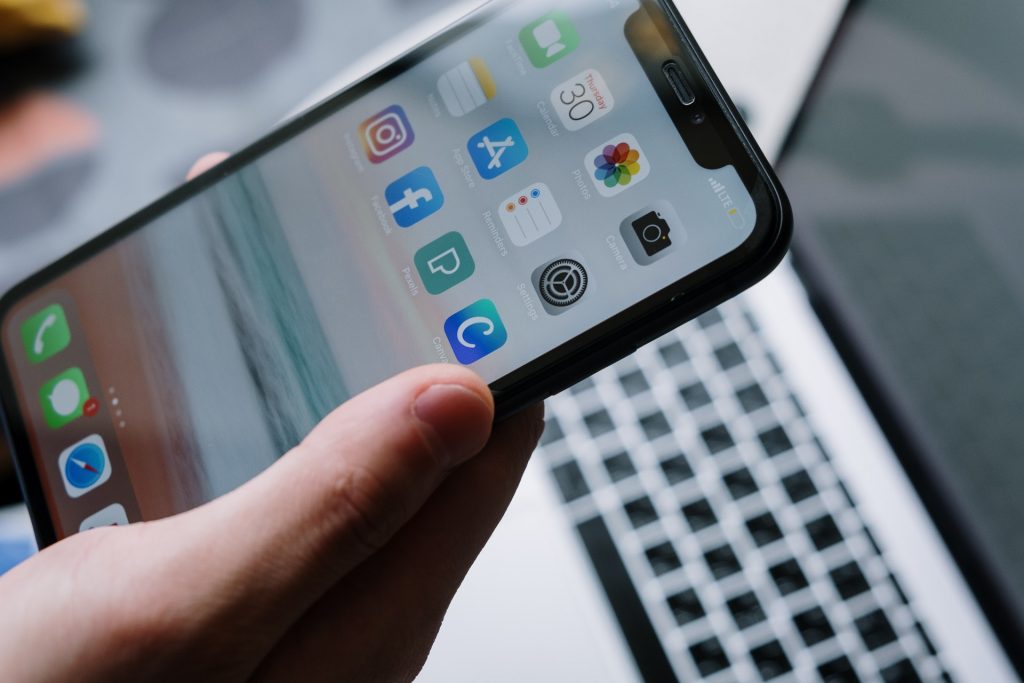
Comment désactiver votre compte Instagram
Vous pouvez désactiver temporairement votre compte à partir d'un ordinateur ou d'un navigateur mobile ; vous ne pouvez pas le faire à partir de l'application Instagram . Voici comment procéder.
- Connectez-vous à instagram.com à partir d'un ordinateur.
- Cliquez sur votre photo de profil en haut à droite, puis sur « Profil », et enfin sur « Modifier le profil ».
- Faites défiler la page vers le bas, puis cliquez sur « Désactiver temporairement mon compte » en bas à droite.
- Un menu déroulant s'affichera avec la question suivante : « Pourquoi souhaitez-vous désactiver votre compte ? » Sélectionnez le motif de votre choix, puis saisissez à nouveau votre mot de passe. L'option de désactivation n'apparaîtra qu'après avoir sélectionné un motif dans le menu et saisi votre mot de passe.
- Cliquez sur Désactiver temporairement le compte.
Le processus de désactivation peut prendre jusqu’à 24 heures ; vous ne pourrez donc probablement pas réactiver votre compte avant l’expiration de ce délai. Instagram n’autorise les utilisateurs à désactiver leur compte qu’une fois par semaine ; si vous décidez de réactiver votre compte, vous devrez attendre 7 jours avant de pouvoir le désactiver à nouveau.
Vous ne perdrez aucune de vos données lorsque vous désactiverez temporairement votre compte ; cependant, vous perdrez toute la dynamique que vous aviez déjà acquise en termes de croissance de votre compte. Les statistiques de votre compte seront également faussées lorsque vous cesserez toute activité. Si vos abonnés ne peuvent plus voir vos publications, leur engagement risque de diminuer considérablement après la reprise de vos activités ; certains d’entre eux pourraient même décider de se désabonner s’ils pensent que vous êtes parti pour de bon.
Comment réactiver Instagram
Encore une fois, il est préférable d'attendre au moins 24 heures après la désactivation de votre compte avant de le réactiver. La réactivation de votre compte Instagram est simple et rapide.
- Lancez l'application Instagram sur votre appareil.
- Se connecter avec le nom d'utilisateur désactivé et le mot de passe associé.
Et voilà ! Votre compte sera immédiatement réactivé et vous pourrez reprendre vos activités. Vous devrez peut-être redoubler d'efforts pour retrouver le niveau de visibilité et d'engagement dont vous disposiez avant la désactivation de votre compte. N'oubliez pas que plus votre compte aura été désactivé longtemps, plus vous devrez fournir d'efforts pour revenir à une « situation normale » après sa réactivation.
Réflexions finales
La meilleure solution consiste toujours à désactiver temporairement votre compte, afin de ne pas perdre vos données ni vos abonnés. Vous pouvez vous absenter de la plateforme aussi longtemps que vous le souhaitez, puis revenir dès que vous vous sentirez prêt(e) et reprendre là où vous vous étiez arrêté(e).
De retour en ligne et prêt à redonner de l'énergie à votre équipe ? Faites appel à Path Social pour vous aider à atteindre vos objectifs. Nous utilisons une technologie d'IA avancée et travaillons avec des experts d'IG pour augmenter votre audience sur Instagram et améliorer vos statistiques d'engagement. Inscrivez-vous et essayez Path Social dès aujourd'hui !





Vous cherchez le meilleur service de promotion Instagram ?
Bénéficiez d'un engagement réel, d'une audience ciblée et d'une croissance durable grâce à notre stratégie élaborée par des experts !
Essayez notre service de promotion Instagram




