


Comment répondre avec une bobine sur Instagram: Réponses visuelles 101

Il est indéniable que Instagram gagnent chaque jour en popularité. Selon Forrester Research, 30 % du temps passé sur Instagram est consacré Instagram de Reels. C’est là que les marques et les créateurs font rire, pleurer, apprendre et donner envie aux utilisateurs d’acheter des produits. Mais c’est aussi un excellent moyen d’interagir avec les autres via les commentaires, non seulement par des réponses classiques, mais aussi par des réponses vidéo. Eh oui, aujourd’hui, nous allons voir en détail comment répondre avec un Reel sur Instagram.
Il est facile de captiver son public avec des Reels intéressants. Ce qui demande un peu plus d'efforts, c'est d'engager la conversation avec lui dans la section des commentaires. En répondant par des vidéos, vous créez un lien plus solide avec vos fans.
Vous souhaitez tout savoir sur le pouvoir des réponses vidéo et des contenus intégrant des réponses vidéo ? Poursuivez votre lecture pour tout découvrir sur cette fonctionnalité géniale Instagram qui stimule l'engagement et renforce l'esprit communautaire.

Que sont les réponses visuelles aux commentaires de Instagram Reels ?
Vous pouvez envoyer des réponses vidéo aux commentaires Instagram si vous souhaitez aborder un sujet qui se prête mieux à une vidéo. Au lieu de vous contenter de taper une réponse écrite, vous pointez la caméra de votre téléphone vers vous et enregistrez un tout nouveau Reel. Cela offre à vos abonnés une expérience de visionnage plus dynamique et interactive.
Si vous êtes actif sur TikTok, cette Instagram vous semblera peut-être familière. En effet, cette fonctionnalité de réponse vidéo semble s’inspirer de celle proposée par TikTok. Elle s’inscrit dans ce que The Verge qualifie de série de Instagram , qui rendent les deux plateformes trop similaires.
Cela dit, la fonctionnalité de réponse visuelle sur Instagram un atout majeur pour les marques et les créateurs qui souhaitent interagir avec leurs fans. Elle permet de créer une relation plus personnelle et plus « authentique » avec eux. De plus, c’est un excellent moyen de générer davantage de contenu grâce aux suggestions des utilisateurs, surtout si vous êtes souvent en panne d’inspiration. Dans l’ensemble, il s’agit d’une stratégie formidable pour développer une communauté et susciter l’engagement de votre public, qui renforce le lien qui vous unit à vos fans.

Comment répondre à un commentaire avec une bobine : Un tutoriel étape par étape
Êtes-vous prêt à rendre vos réponses aux commentaires plus dynamiques et plus personnelles ? Préparez votre caméra ! Voici comment répondre à un commentaire avec un Reel, étape par étape :
1. Recherchez le commentaire de Reel auquel vous souhaitez répondre par une vidéo.
2. Appuyez sur Répondre en bas du commentaire.
3. Au lieu de taper votre réponse dans le champ de message, cliquez sur l'icône représentant un appareil photo située à gauche.
4. Enregistrez une réponse vidéo directement ou importez une vidéo que vous avez déjà enregistrée depuis votre galerie. Vous devriez voir un autocollant reprenant le commentaire d'origine, avec le pseudo et la photo de profil de l'auteur du commentaire.
5. Modifiez votre nouveau Reel comme vous le souhaitez. Positionnez l'autocollant de commentaire auquel vous répondez en le faisant glisser sur l'écran. Vous pouvez également appuyer sur l'autocollant pour modifier sa couleur d'arrière-plan. Vous pouvez même modifier la durée d'affichage de l'autocollant sur votre bobine.
6. Lorsque vous êtes satisfait de votre Reel, cliquez sur « Partager ».
La personne à laquelle vous avez répondu par une nouvelle vidéo recevra alors une notification concernant votre réponse. Tout le monde peut voir cette réponse dans le commentaire original de la bobine.
Vous pouvez répondre aux commentaires laissés par n'importe qui sur un Instagram Reel public. Veillez simplement à ne pas spammer les fils d'actualité des internautes en répondant inutilement à tous les commentaires que vous voyez.
4 idées de Instagram vidéo amusantes et captivantes Instagram
Les réponses aux publications classiques peuvent elles aussi susciter des échanges enrichissants avec vos abonnés. Mais les commentaires sur les Reels auxquels vous répondez par une nouvelle vidéo que vous filmez spécialement pour répondre à vos abonnés ? C'est de l'or en barre.
Mais comment tirer le meilleur parti de la fonction de réponse visuelle de Reels ? Voici quelques idées créatives pour des réponses vidéo Instagram amusantes et intéressantes que vos fans ne manqueront pas d'apprécier.
1. Répondre aux questions des fans avec une touche personnelle
Certains fans et clients adorent interagir avec leurs marques et créateurs préférés en posant des questions sous leurs publications. Si vos abonnés vous posent des questions amusantes ou qui donnent à réfléchir sous vos Reels, pensez à y répondre par une nouvelle vidéo. C’est un excellent moyen d’interagir avec vos fans tout en apportant une touche humaine et personnelle à vos échanges.
Répondre à vos abonnés par une vidéo est un moyen simple d'organiser des sessions de questions-réponses. Cela demande moins d'engagement que de le faire via les Stories ou en direct, mais cela vous permet tout de même d'échanger avec vos fans.
Si vous publiez des réponses vidéo aux commentaires, veillez à ce que votre message ait du sens. Ne répondez pas par des vidéos complètes à de simples questions auxquelles on peut répondre par « oui » ou par « non ». Préférez plutôt réserver votre énergie et vos apparitions à des questions plus profondes, qui suscitent la réflexion, ou lorsque vous souhaitez raconter une histoire captivante. Ainsi, vos réponses vidéo resteront toujours exceptionnelles et attendues avec impatience.

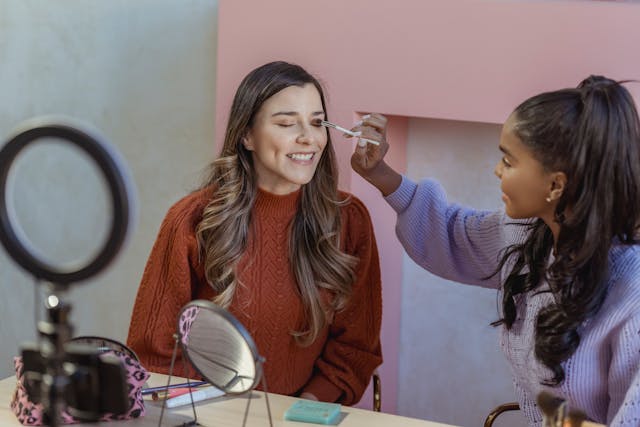
2. Démontrer comment utiliser l'un des produits de votre marque
Vous pouvez également répondre à un commentaire sur votre vidéo concernant l'utilisation des produits que vous avez présentés dans la vidéo. Cette fonction est utile pour les marques qui présentent leurs produits dans leurs vidéos. Les influenceurs et les créateurs de contenu qui ont publié du contenu généré par les utilisateurs pour mettre en avant leurs marques préférées peuvent également le faire.
Créez une réponse vidéo pour montrer à vos followers comment utiliser des produits spécifiques. Vous pouvez également en profiter pour répondre à des questions sur les principales caractéristiques du produit et sur son rôle dans votre vie quotidienne. Fournir ces informations à d'autres personnes ne vous permet pas seulement d'engager le dialogue avec vos followers. Elle peut également susciter l'intérêt des acheteurs et générer des ventes pour la marque.
3. Révéler une collaboration très demandée avec une autre marque ou un autre créateur
Les fans postent souvent des commentaires suggérant la prochaine collaboration d'un influenceur ou d'une marque. Répondre à ces commentaires par un Reel annonçant une collaboration très demandée constitue une révélation impressionnante.
C'est une façon de dire aux fans : « Nous avons pris note de vos demandes et nous vous avons écoutés ! » Cela leur donne le sentiment d'être pris en compte et leur fait comprendre que leurs commentaires et leurs avis sur votre marque sont importants et précieux. À long terme, cela peut renforcer leur fidélité à votre marque.
4. Publiez une réponse vidéo légère et drôle à un commentaire impertinent
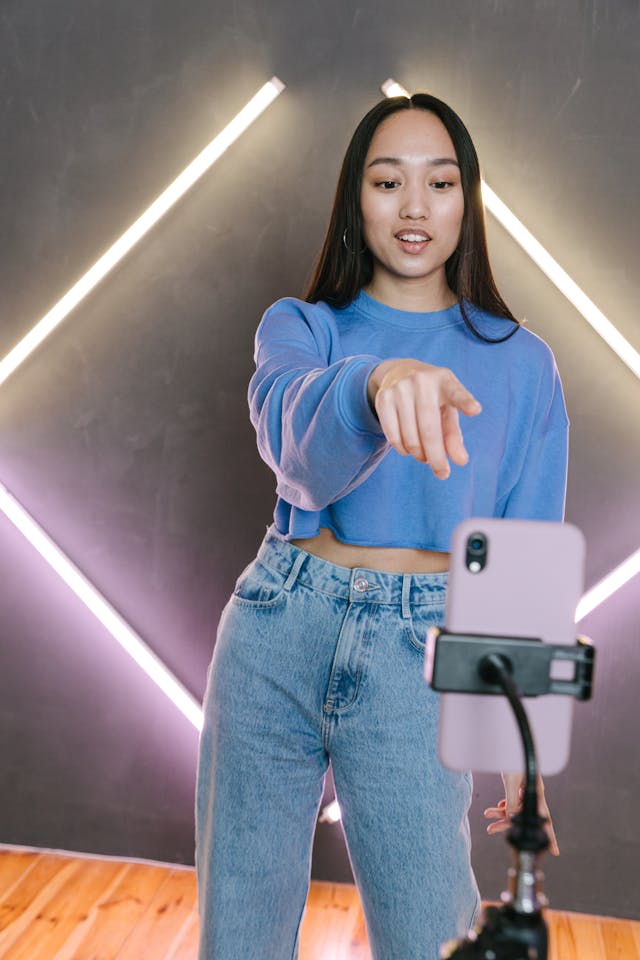
Avez-vous déjà reçu des commentaires impertinents ou des plaintes de la part d'utilisateurs sous l'un de vos Instagram ? Il peut être difficile de gérer les commentaires négatifs. Mais au lieu de se sentir immédiatement offensées par ce genre de remarques, les meilleures marques prennent cela avec philosophie. Une façon de répondre avec élégance à ces commentaires impertinents consiste à y répondre par une vidéo légère et amusante.
Au lieu de répondre par des excuses toutes faites, pensez à utiliser un Reel rapide et plein d’esprit ou un sketch parodique. C’est un excellent moyen, et très ludique, de capter l’attention de ceux dont vous pouvez faire changer d’avis sur votre marque. Faites-les rire et réchauffez-leur le cœur en humanisant votre marque grâce à des réponses vidéo drôles et légères.
Bien sûr, ne le faites qu’avec des remarques légères et humoristiques. Si vous constatez des plaintes sérieuses concernant vos produits ou votre contenu, traitez-les directement avec le client en privé.
Vous n'êtes pas obligé de vous limiter aux commentaires laissés sur vos propres publications. Vous pouvez également l'utiliser pour répondre à des commentaires impertinents que vous trouvez sur les Reels d'autres utilisateurs. C'est une façon intelligente et créative d'apporter une touche de légèreté sur la plateforme tout en saisissant l'occasion de devenir viral.
Que se passe-t-il si le commentaire auquel vous avez répondu par une bobine est supprimé ?
Les réponses vidéo sont considérées comme faisant partie d'un fil de discussion en fonction de leur source. Si l'auteur supprime le commentaire d'origine auquel vous avez répondu, votre réponse vidéo disparaîtra également. Si des utilisateurs ont créé des remixes à partir de votre réponse vidéo, leurs vidéos seront également supprimées.
Il en va de même lorsque le Reel d'origine auquel le commentaire se réfère est supprimé. Étant donné que tous les commentaires associés à ce Reel sont supprimés, les vidéos de réponse le seront également.
Si vous pensez que votre réponse visuelle à un commentaire peut être utile à vos fans, n’oubliez pas de la télécharger sur votre téléphone. Ainsi, si votre réponse sous forme de Reel venait à être supprimée, vous pourriez simplement la republier en tant que vidéo indépendante sur votre fil d’actualité.
Et voilà comment répondre avec une bobine sur Instagram!
Répondre aux commentaires avec les bobines est un moyen fantastique de communiquer avec les fans de manière personnelle. Cela vous permet également de répondre à des questions ou de dissiper tout malentendu concernant votre bobine originale Instagram . Tirez le meilleur parti de cette fonctionnalité vidéo pour stimuler l'engagement et communiquer efficacement avec votre public.
Apprendre à répondre avec un Reel sur Instagram la partie la plus facile. Maintenant, il vous faut faire l'effort d'envoyer des réponses vidéo pertinentes et captivantes pour répondre à vos fans préférés. Alors, lancez-vous et renforcez vos liens avec vos abonnés en leur répondant avec des vidéos spécialement sélectionnées pour eux.
Vous voulez répondre à plus de commentaires sur vos bobines ? Élargissez votre audience et obtenez plus de spectateurs en gagnant plus d'adeptes grâce à Path Social. Nous utilisons des stratégies promotionnelles de premier ordre pour que votre contenu apparaisse sur les fils d'actualité de votre public cible. Travaillez avec nous dès aujourd'hui pour développer votre communauté de followers (et de spectateurs de vos Reels)!





Vous voulez suivre la croissance de votre compte Instagram ?
Analysez vos progrès et obtenez des informations précieuses grâce à notre outil de suivi gratuit !
Vérifiez la croissance de votre compte Instagram dès maintenant




