


How To Make an Instagram Boomerang in 2025

Imagine a barista drawing a heart on a latte. Cute, right? Now imagine seeing that same gesture repeat over and over. Or a new product drops into a box and instantly jumps back up, like it’s saying, “Pick me!” That’s exactly how an Instagram boomerang works.
It’s a short video that goes forward and then backward, creating an endless loop effect. It grabs attention, makes your content lively and fun, and in 2025, it’s trending again. No wonder, it’s a great way to show a product or a service in a fun way without expensive shoots.
That’s why we decided to make this quick guide. We’ll show you how to create a Boomerang and make your content stand out in the feed.

What Is an Instagram Boomerang?
A Boomerang is a short video that repeats a quick action. The video plays forward from the starting point and then immediately reverses back to that point, looping continuously. Instagram can create Boomerangs from short videos or a series of photos.
Let’s try to explain what is a Boomerang on Instagram using simple, real-life examples:
- Popping a champagne bottle, with the cork flying out and instantly snapping back in.
- Diving into a pool, when the splash flies back into your hands.
- Biting into a burger and the bite instantly looking whole again.
Boomerang first appeared on Instagram in 2015, and it quickly gained popularity for creative posts. However, it lost some attention after a few years, as Reels and Stories gained traction.
Now in 2025, it is back in trend. Users, including brands, appreciate the quick, engaging loop for showcasing products, events, or simply fun moments in a new and fresh way.
How Does the Boomerang Effect Work?
A Boomerang turns a short video or a Live Photo into a mini clip that loops forward and backward. Imagine tossing a paper airplane. It flies out, then zips right back into your hand. That back-and-forth motion grabs attention and adds energy to your content.
The key is movement. Don’t just hold your coffee. Take a sip, wink, or toss something in the air. Movement makes the Boomerang come alive.
This effect is already in Instagram Stories on iPhone and Android. Simply select the Boomerang effect, and Instagram will automatically create the clip for you.
How To Create a Boomerang on Instagram
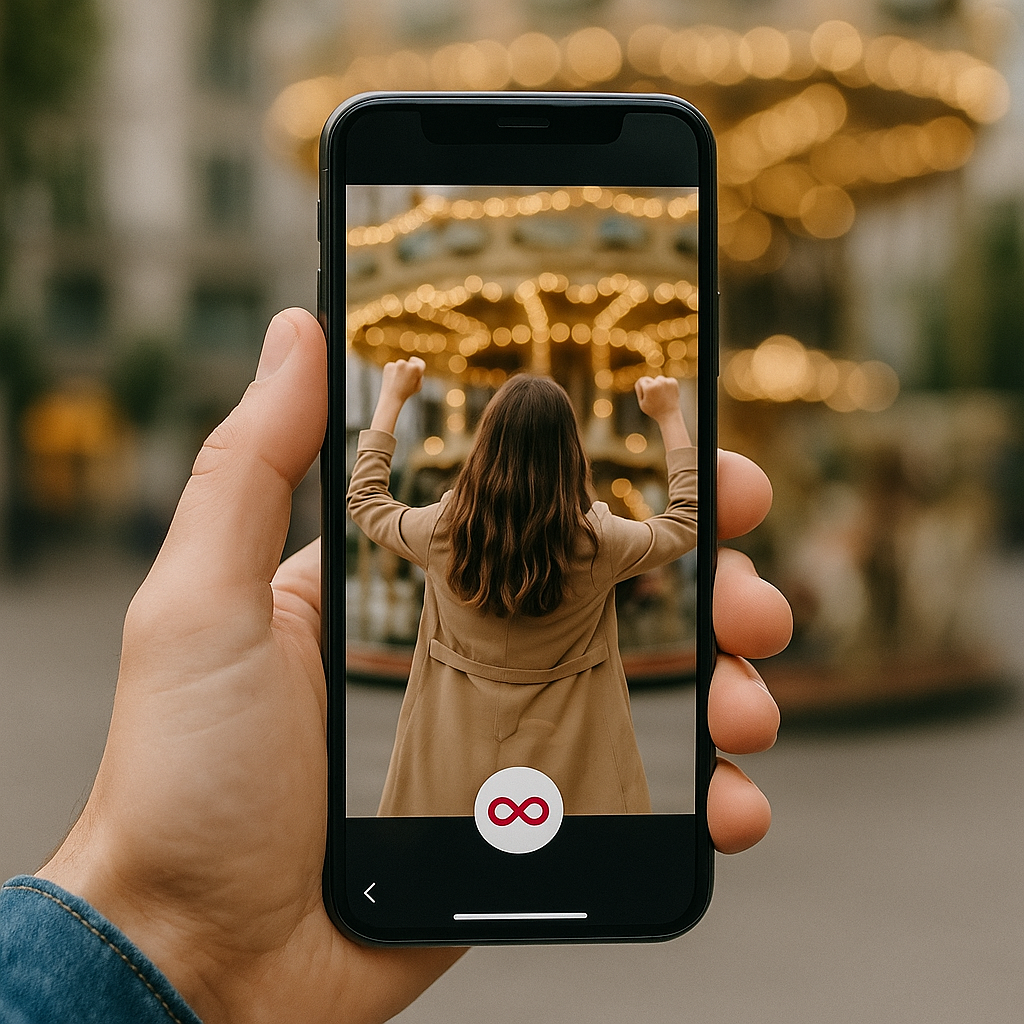
Okay, ready to learn how to make a boomerang on Instagram? You’ve got a couple of choices. You can record it with the effect right away or add it to a Live photo or video you already have. Let’s go step by step.
How To Make a Boomerang From the Instagram Camera
Do you want to capture a fun moment right away? Instagram lets you create a Boomerang directly from the camera. Follow these steps:
- Open Stories.
- Find the ∞ icon (infinity symbol).
- Press and hold to record for a short moment.
- Edit your video by adding effects, changing the speed, and making your boomerang more creative.
- Post your Story and wait for the reactions.
How To Turn a Video Into a Boomerang
Normally, you need a third-party app to turn a regular video into a Boomerang. But short videos captured as Live Photos on iPhone work instantly. A Live Photo is a special iPhone format that captures a still image along with a few seconds of movement. Basically, it’s a tiny video that appears as a regular photo until you press and hold it.
So here’s what to do:
- Open Stories on Instagram.
- Swipe up to open your camera roll.
- Select a Live Photo and look for the ∞ icon.
- Tap the ∞ icon and just like that, it creates a boomerang!
Android doesn’t support Live Photos, so you can only record new boomerangs directly with the Instagram camera, not from existing videos.
How To Make a Boomerang From Photos
Want to make a boomerang from a photo? On Instagram, this only works with Live Photos. If it’s a regular photo, Instagram won’t turn it into a boomerang. In that case, you can use a third-party app. Some popular options are:
- Boomerit Boomerang Maker: Turns any video or even a series of photos into a boomerang. You can fine-tune the speed, set how many times it loops, and add filters.
- Boomerang Video Maker: Offers a variety of filters and effects, so you can make your videos truly creative.
- CapCut: A popular all-in-one editor. Perfect if you don’t have Live Photos, since it can turn any video into a boomerang.
- Loop Video & GIF Maker: Lets you create both boomerangs and GIFs straight from your videos on your phone, with adjustable settings.
Can You Still Use the Boomerang App in 2025?
The short answer is no. There used to be a separate Boomerang app before. However, Instagram got rid of it back in March 2022 and removed it from the App Store and Google Play. You can now use all Boomerang features directly in Instagram Stories.
In 2025, you won’t find the old Boomerang icon anywhere. If you want to use a boomerang, you’ll need to do it directly on Instagram.
Creative Ideas for Instagram Boomerangs
Want to try Boomerang but not sure what to post? Here are some examples for your Boomerang:
- Hair flip: Toss your hair, scarf, or even a funky hat. The dramatic motion instantly grabs attention and keeps people watching.
- Pool jump: Capture a moment as someone jumps into a pool, showing action and fun. Perfect for hotels, resorts, or a summer vibe. The loop keeps the splash lively and energetic.
- Dog catching a ball: A playful option for pet brands, sports, or anyone showing active fun. Boomerang highlights the speed and excitement, and the loop makes it addictive to watch.
- Wine glass to lips: Raise a glass for restaurants, bars, or catering. Swap the wine for coffee or a slice of cheesecake, and promote everything you need in the most delicious way.
- Cake candles relighting: Watch the magic as candles reignite again and again. Perfect for bakeries or party services. This playful loop adds joy and keeps everyone smiling.
The more movement, energy, and creative effect you add, the more likely people are to watch your Boomerang repeatedly.
Editing and Enhancing Your Boomerang
Even a short video can be way more interesting. Let’s spice it up a bit.
Adding Filters and Effects
Throw on a filter and watch the clip pop with new colors.
- Slow-Mo: Slows down the action, adding a dramatic and cinematic feel.
- Echo: Creates a “double vision” effect, as if motion leaves a shadow behind.
- Duo: Plays forward and backward with a light, subtle glitch that adds a stylish twist.
You can tweak the speed, colors, and loop direction. Even just one second can turn into a tiny little show.
Using Third‑Party Apps for Better Results
Don’t want to stick to just Instagram? No problem! You can use some handy third-party apps. They won’t make a Boomerang from nothing, but they’ll make your clips way cooler. Trim them, add text, music, or even swap the background.
Here are three great options:
- Boomloop: Infinity Loop and Playback Video Maker turns your clips into endless loops. You can mess with the speed, how many times it repeats, and throw on some filters.
- Boomerang Video Loop Maker turns any video into a looping Boomerang. You can add fun effects like rewind, slow-mo, or fast-forward to spice it up.
- Adobe Express makes Boomerang-style GIFs, uses ready-made templates, and tweaks your videos without downloading anything.
Once you’ve polished it up, just upload it to Instagram and watch everyone hit replay.
Best Practices for Posting Boomerangs on Instagram
Now it’s time to plan when to post your Boomerang Instagram story so it catches attention in the feed.
Captions and Hashtags That Work Well
Don’t just write plain and boring captions. Instead, add a caption that gives context or shows personality, like:
- “When you realize it’s Friday”
- “Me trying to act normal at brunch”
- “Fresh out of the oven — your new favorite cookies”
- “Setting up our latest collection — sneak peek inside!”
- “Coffee and planning = perfect start to the week”
And don’t skip hashtags! They help new people find your content. Examples: #MorningVibes, #WeekendMood, #WorkFromHome, #SmallBusinessLove, #DailyInspo, #ShopLocal, #NewArrivals.
This way, people will notice your Boomerang, leading to more likes, comments, and shares.
When and Where To Post for Engagement
Post in the evening or on weekends to get more engagement. That’s when people can scroll through Stories and actually see it. Early weekday mornings? Everyone is busy with coffee and not checking Instagram.
A good rule is to post around 6 to 9 PM on weekdays when people are winding down after work or school. On weekends, try 10 AM to 1 PM when many are relaxing and checking Stories over brunch or coffee.
Common Issues and How To Fix Them
Sometimes your IG Boomerang doesn’t look as good as you imagined or just doesn’t work. Don’t worry, it’s normal, especially if you’re new to making Boomerangs. A few small things can cause problems, like app glitches, low light, or an out-of-date system. The good news is that most issues are easy to fix.
Why Isn’t My Boomerang Working?
If your Boomerang isn’t working, check these common issues and fixes:
- Won’t start or freezes: Close Instagram and open it again, check for updates, or restart your phone.
- App crashes: Make sure you have enough space on your phone, and free up storage space if needed. Also, check if you have a good internet connection.
- Blurry or shaky video: Hold your phone steady and avoid fast movements unless that’s the effect you want.
- Low-quality video: Film near a window or outside in natural light. Dark rooms make it look grainy.
- No Boomerang option on Live Photos: You probably haven’t updated Instagram in a while. Update the app to see the infinity icon(∞).
- Sound or playback problems: Update Instagram and restart your phone.
Boomerang Quality and Lighting Tips
Boomerangs loop fast, so small details like shaky hands or poor lighting show right away. Bright light and steady movement deliver a smooth, striking loop.
Tips for better quality:
- Use bright, natural light for the best results.
- Avoid dark rooms that leave your video blurry or messy.
- Hold the phone steady to avoid shaky footage.
- Do small, controlled movements for a polished effect.
Final Tips for Making Eye‑Catching Boomerangs
Think bigger! A Boomerang isn’t just about coffee pours or jump shots. It can capture your reaction, turn into a funny meme, or even become a little experiment. Try making versions for Reels, add text, music, or GIF stickers to boost more engagement.
Tips to make your Boomerang more creative:
- Try different angles: Small camera moves make it more dynamic.
- Play with speed: Slow-Mo or Duo effect can make even a simple gesture funny.
- Add details: Show reactions from people or objects in the frame.
- Text and stickers: Explain the context and make it more lively.
- Reels and reuse: Don’t stop at one Story, share it in different formats.
And most importantly, don’t keep your ideas to yourself. Hit share so your Boomerang can go viral. Work with us at Path Social, and let your content stand out, stay fun, and draw people in.



Looking for Real, Organic Instagram Followers?
Let our AI-targeted organic growth work for you.
Get Instagram Followers Now