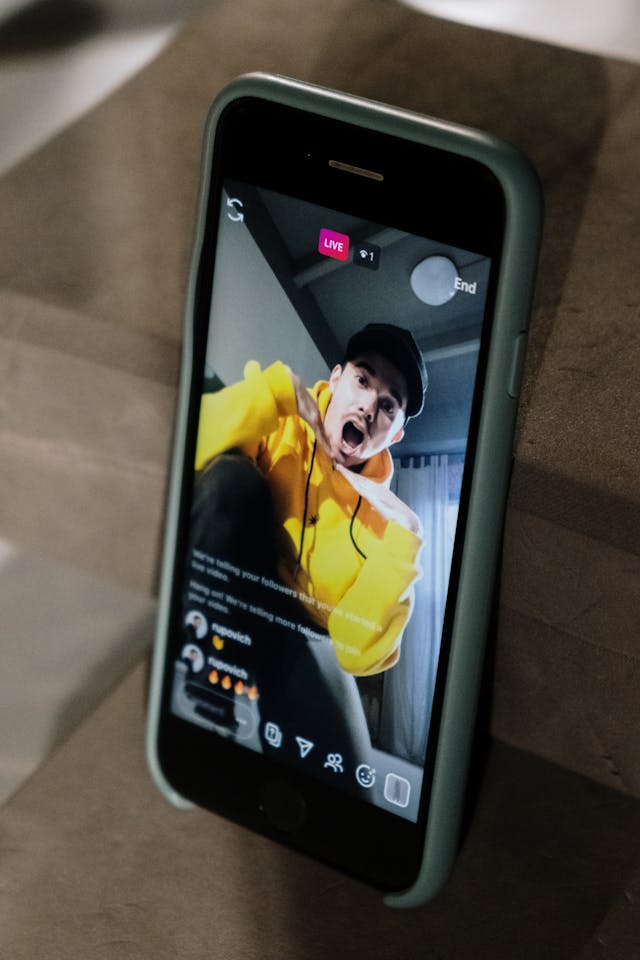
Instagram son una forma estupenda de compartir los momentos más destacados de tu día y de ofrecer a tus seguidores nuevas perspectivas de tu vida. Para las marcas, el uso de Instagram hace que el contenido resulte auténtico y natural, incluso cuando publican productos o servicios.

Las estadísticas recientes revelan que 500 millones de personas utilizan Instagram a diario, y esta cifra representa cientos de millones de oportunidades para atraer más tráfico a la página de tu empresa y potenciar la interacción. Instagram ofrecen a las marcas la oportunidad de mantenerse relevantes y visibles. Con millones de empresas compitiendo por llamar la atención, actualizar tus historias varias veces a la semana o a diario te ayudará a garantizar que tus seguidores no se olviden de ti.
En comparación con una publicación normal, publicar una historia es más rápido y sencillo. Pero esta función también ofrece varias opciones de personalización para optimizar tus historias con fines de marketing. Una vez que hayas captado con éxito la atención de los usuarios, puedes mantener su interés con una «serie de historias». Para ello, puedes añadir varias fotos a tu historia de una sola vez. Aquí tienes una guía práctica para utilizar Instagram para tu marca como un profesional.
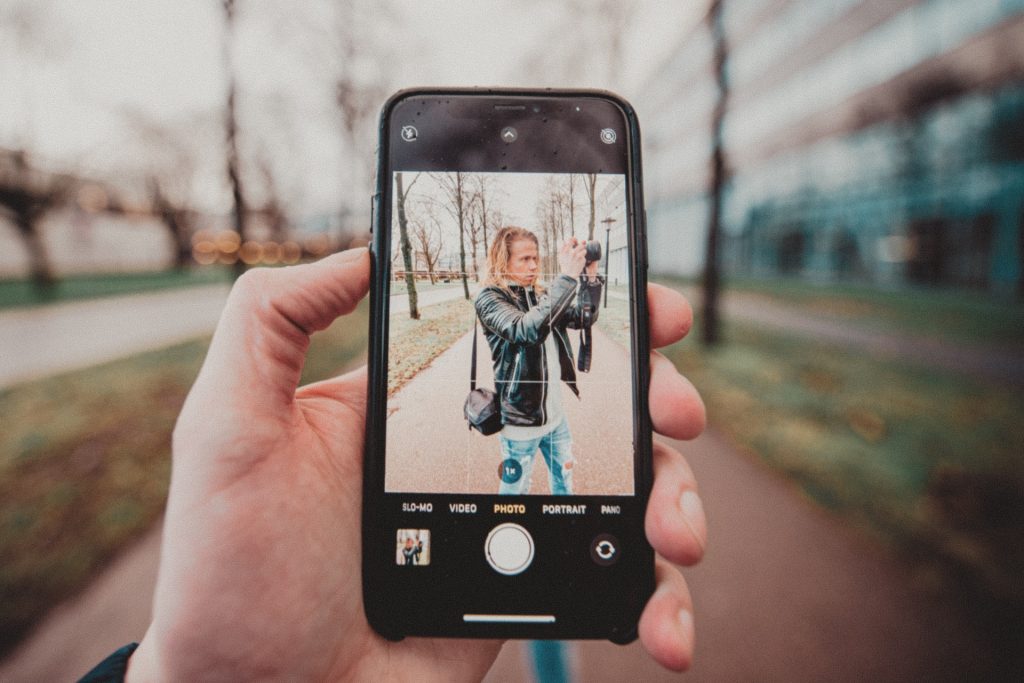
Añadir varias fotos a una historia Instagram
Lo que hace la mayoría de la gente es publicar una foto cada vez en sus «Stories». Esto es muy parecido a crear publicaciones individuales: editar una foto a tu gusto, publicarla y, a continuación, repetir el proceso con otras fotos tantas veces como sea necesario. Crear una serie de «Stories» de esta forma se puede hacer a lo largo del día, sobre todo si publicas las fotos a medida que las vas haciendo, en tiempo real. Esta forma también es ideal si las fotos de tus «Stories» no guardan relación entre sí.
Para las empresas, añadir varias fotos a las «Stories» de una sola vez es la opción más eficaz. Puedes planificarlo con antelación y preparar todas las fotos que quieras publicar con tiempo. De esta forma, también podrás conceptualizar adecuadamente la historia que quieres contar a través de tu serie de fotos. Añade esta tarea a tu calendario de contenidos diario o semanal y mantén a tus seguidores interesados con contenido nuevo.
Hay varias formas de jugar con Instagram Stories utilizando varias fotos. Aquí las tienes
Publicar varias fotos con la aplicación Instagram
Abre tu aplicación Instagram y sigue estos pasos:
- Toca el signo "más" en la esquina superior izquierda de la pantalla para acceder al modo de creación de historias.
- Navega por la galería de tu teléfono y selecciona la primera foto que quieras compartir.
- Pulse la opción "Seleccionar varias" en la parte derecha de la pantalla para añadir más fotos.
- Selecciona las fotos que quieras añadir. Cuando hayas terminado, pulsa en «Siguiente».
- Puedes cambiar el orden de tus fotos arrastrando cada una de ellas. También puedes editar cada foto con pegatinas, texto, GIF, filtros, etc.
- Cuando estés satisfecho con tu trabajo, pulsa en «Siguiente» para publicar tus historias.
Y, ¡voilá! ¡Tu serie de cuentos está terminada!
Uso de la herramienta Collage de diseño
Para los espectadores, una serie de historias se parece mucho a la función «Carrusel» Instagram. Un collage es otra opción que puedes probar para sacar partido a otras herramientas de edición y crear algo original.
Si aún no la tienes, puedes descargar la aplicación «Layout» de forma gratuita a través de la App Store de Apple o de Google Play Store. Layout es la nueva herramienta Instagrampara crear collages en las Stories y, de hecho, ya es una herramienta predeterminada en muchas cuentas. Cuando la tengas instalada, aparecerá automáticamente al entrar en el modo de creación de Stories.
- Abre Instagram . Encontrarás el modo «Layout» en la parte inferior de la pantalla, junto a «Boomerang», «Superzoom» y otras opciones de modo.
- Se te pedirá que hagas nuevas fotos con tu cámara o que subas fotos de tu galería. Puedes seleccionar hasta 6 imágenes para tu collage.
- Selecciona un formato de diseño. Puedes reorganizar tus fotos como quieras.
- Pulsa el botón de la «marca de verificación» y, a continuación, edita tu collage añadiendo otros elementos de diseño, como texto, etiquetas, filtros, emojis, dibujos, GIF y mucho más.
- Cuando hayas terminado, puedes publicar tu collage inmediatamente en tus «Stories» o guardarlo en el carrete para utilizarlo más adelante.
Un collage es una forma estupenda de explorar otras posibilidades creativas para tus «Stories». Asegúrate de utilizar elementos complementarios en tu collage para que resulte estéticamente atractivo y fácil de asimilar. Recuerda que un «Story» solo se puede ver durante unos segundos, por lo que tus espectadores deben poder captarlo y apreciarlo fácilmente, incluso si incluye varias imágenes y otros elementos.

Utilizar la pestaña de pegatinas de fotos
La opción de pegatinas fotográficas Instagram es una alternativa estupenda al collage. Es una forma única de presentar una serie de fotos, diferentes ángulos o aspectos de una imagen, o diferentes versiones de la misma.
- Abre Instagram Stories y selecciona la foto principal que quieras destacar.
- Toca la opción "Editar" en la esquina superior derecha y selecciona "Pegatinas".
- En el menú «Pegatinas», desplázate hacia abajo hasta encontrar la opción «Selección de imagen».
- Selecciona las fotos que quieras superponer como "pegatinas" en tu foto principal.
- Coloca las pegatinas con fotos como más te guste. También puedes añadir otros elementos, como más pegatinas, emojis y GIF.
- Cuando hayas terminado, pulsa en «Compartir» para publicarlo en tus Stories.
Esta opción te permite divertirte más con la edición de fotos y, además, ofrece a tus seguidores una nueva forma de disfrutar de tus «Stories».
Reflexiones finales
Una forma eficaz de mantener el interés de tus seguidores es mantenerlos al día, y Instagram te permiten precisamente eso. Al crear una serie con varias fotos, las historias también te brindan la oportunidad de retener la atención de tus seguidores durante más tiempo.
Prueba las diferentes formas de utilizar Instagram Stories para añadir una maravillosa variedad a tu estrategia de contenidos. Solo recuerda ser coherente con el mensaje de tu marca y la estética de tu perfil. ¡Puedes llegar fácilmente a más personas que probablemente se conviertan en nuevos seguidores y clientes a través de Instagram Stories!
Si quieres hacer crecer tu Instagram seguidores auténticos e interesados, ¡también puedes registrarte en Path Social! Path Social un crecimiento real y duradero gracias a la segmentación avanzada basada en IA y a la promoción de contenido orgánico, a la buena vieja manera. ¡Crea ya tu Path Social !





¿Quieres aumentar tus seguidores Instagram ?
Utiliza nuestro conjunto de herramientas basadas en inteligencia artificial para atraer seguidores reales y comprometidos, y potenciar al máximo tu alcance.
Aumentar seguidores de Instagram ahora