


Cómo actualizar Instagram Messenger: Guía paso a paso

Mantener las conexiones es fundamental en la era digital actual, que avanza a un ritmo vertiginoso. Instagram una plataforma muy apreciada, reconocida por fomentar la creatividad, servir de fuente de inspiración y promover las relaciones sociales. Además, está en constante evolución, con el objetivo de enriquecer las interacciones de los usuarios. Esta guía ofrece instrucciones detalladas paso a paso sobre cómo actualizar Instagram y mucho más.
Entre sus avances recientes destaca la introducción de Instagram Messenger. Esta herramienta facilita una comunicación fluida con amigos, seres queridos y seguidores. Sin embargo, para aprovechar al máximo esta función, debes tener la versión más reciente de Instagram.

¿Cómo actualizar Instagram Messenger?
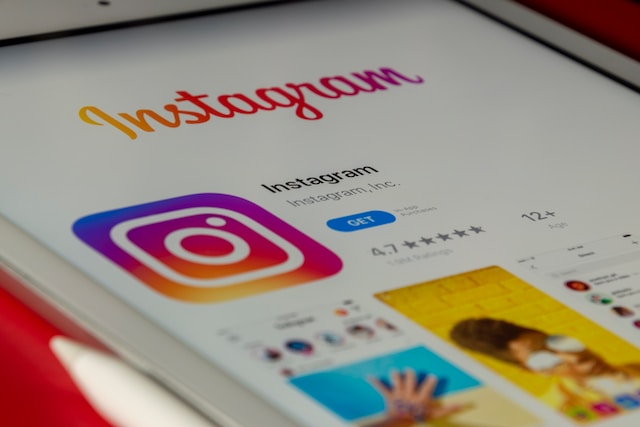
Actualizar la aplicación es fundamental para asegurarte de que tienes acceso a las últimas funciones, correcciones de errores y mejoras de seguridad. A continuación te ofrecemos una guía paso a paso sobre cómo actualizar Instagram :
- Abre la App Store (iOS) o Google Play Store (Android): si tienes un dispositivo iOS, pulsa el icono de «App Store» en la pantalla de inicio. Si eres usuario de Android, pulsa el icono de «Play Store».
- BuscaInstagramen la barra de búsqueda: localiza la barra de búsqueda, que suele estar en la parte inferior o superior de la pantalla, y escribeInstagramen el campo de búsqueda.
- Comprueba si hay actualizaciones disponibles: si hay alguna actualización disponible, verás un botón «Actualizar» junto al icono de la aplicación.
- Instala la actualización: Haz clic en 'Actualizar'. La duración depende de tu velocidad de Internet y de la magnitud de la actualización.
Una vez que se haya completado la actualización de la función de mensajería, puedes abrir la Instagram . Tómate un rato para explorar la aplicación. Fíjate en las nuevas funciones, mejoras o cambios.
Cómo actualizar las funciones de Messenger en Instagram
¿Te preguntas cómo actualizar las funciones de Messenger en Instagram? Para sacar el máximo partido a las funciones Instagram , mantente al día consultando la tienda de aplicaciones o visitando la página Instagram. Instala la versión actualizada de la Instagram , ya que integra Messenger.
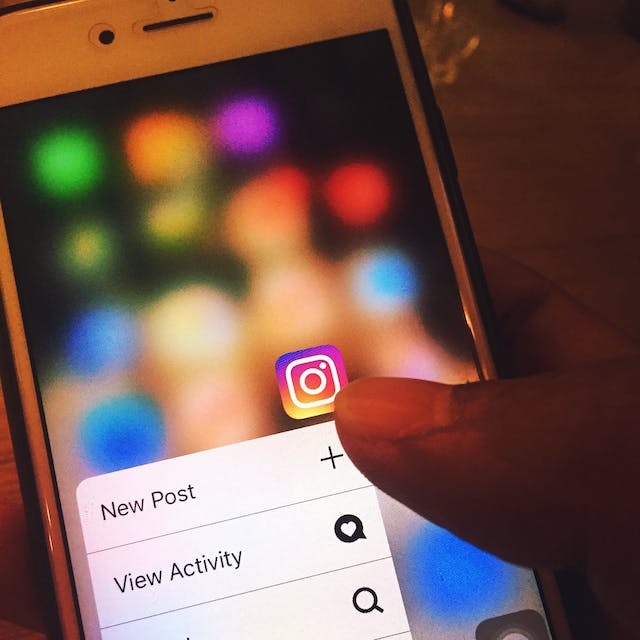
- Abre la aplicación Instagram y toca el icono " Instagram Direct Message" para acceder a la sección Messenger. Explora la interfaz para ver las nuevas funciones introducidas en la última versión.
- Familiarízate con las nuevas funciones, como la personalización mejorada del chat, el intercambio ampliado de archivos multimedia y las opciones de búsqueda avanzadas.
- Ajusta la configuración relacionada con las nuevas funciones para personalizar tu experiencia de mensajería.
- Envíe sus comentarios o notifique cualquier problema directamente a través de la aplicación para ayudar a los desarrolladores a resolverlos en futuras actualizaciones.
Mantente al día con las notas de la versión proporcionadas por Instagram para comprender los cambios y mejoras introducidos en cada actualización. Utiliza la estrategia"seguir por seguir" en Instagram Messenger para ampliar tu red y conectar con usuarios que compartan tus intereses.
Cómo arreglar Instagram actualización de Messenger
Si tienes dificultades al actualizar Instagram , es importante que sepas cómo solucionar eficazmente los problemas relacionados con las actualizaciones Instagram . Resolver estos problemas de actualización es fundamental para disfrutar de una experiencia de mensajería fluida.
En primer lugar, asegúrate de tener una conexión a Internet estable y suficiente espacio de almacenamiento. Reiniciar rápidamente el dispositivo puede solucionar pequeños fallos de software. Si utilizas iOS, comprueba si hay actualizaciones disponibles en la App Store, incluida la función de mensajes. Si utilizas Android, borra la caché de Play Store para que las actualizaciones se realicen sin problemas.
Recuerda que las actualizaciones de funciones integradas, como la mensajería, pueden estar disponibles en la Instagram principal Instagram . Mantén tu sistema operativo actualizado para garantizar la compatibilidad. Como última opción, reinstala Instagram para obtener la última versión con las mejoras en la mensajería.
Si sigues teniendo problemas, ponte en contacto con los canales de asistenciaInstagram. No te olvides de explorar las opciones de color para los mensajes y el chat. Otras funciones divertidas son las pegatinas para selfies e Instagram , que te permiten disfrutar de una experiencia de mensajería más completa.
Cómo actualizar sus mensajes Instagram
Mejorar tus conocimientos sobre la actualización de los mensajes deInstagram es esencial para acceder a las últimas funciones de mensajería. Estos pasos le ayudarán a saber cómo actualizar sus mensajes de Instagram de manera eficiente.
- Instala la última versión de la aplicación Instagram en tu dispositivo. Suele incluir actualizaciones de las funciones de mensajería en las actualizaciones generales de la aplicación.
- Abre Instagram pulsa el icono de Instagram », que suele aparecer como un avión de papel en la esquina superior derecha.
- Busca una interfaz de mensajería, nuevos iconos u opciones que se hayan incorporado en la última versión.
- Utiliza nuevas funciones como el intercambio mejorado de archivos multimedia, la búsqueda avanzada, los GIF y los stickers para selfies.
- Otras nuevas opciones de personalización para tus conversaciones incluyen cambiar los colores del chat o establecer apodos, dependiendo de la actualización.
- Manténgase al día con las notas de la versión proporcionadas por Instagram para comprender los cambios y mejoras implementados.
- Si lo desea, puede enviar sus comentarios o informar de cualquier problema directamente a través de la aplicación para ayudar a los desarrolladores a resolverlo en futuras actualizaciones.
- Visita la sección "Solicitudes de mensajes" para ver y aceptar mensajes de usuarios que no están en tu lista de seguimiento.
Mejore su experiencia en Instagram con Path Social
Entender cómo actualizar Instagram Messenger garantiza el acceso a las últimas funciones de la plataforma. Esto te ayuda a maximizar tu experiencia y a conectar con los usuarios e influir en ellos sin restricciones.
¿Quieres aumentar tu Instagram ? Path Social su plataforma de influencers y su algoritmo de segmentación basado en IA para interactuar con usuarios orgánicos. Nuestro equipo de expertos en marketing se asegura de que tu Instagram las últimas funciones y actualizaciones. Las funciones Instagram, combinadas con nuestras estrategias infalibles, te ayudan a ganar seguidores que realmente se interesan por tu contenido.
¿A qué espera? Empieza ahora para mantenerte a la cabeza en el panorama de las redes sociales, en constante cambio.





¿Quieres aumentar tu Instagram de forma natural?
Descubre una plataforma diseñada para ayudar a los creadores a llegar a seguidores reales y comprometidos, sin atajos.
Explora la plataforma




