



Los usuarios quieren guardar fotos de Instagram para ver el contenido sin conexión por múltiples razones.
Al desplazarte por el Instagram , puedes ver de todo, desde fotografías y contenido educativo hasta vídeos cortos sobre maquillaje. Sin embargo, guardar fotos —especialmente las de una cuenta privada— puede resultar complicado. Pero no te preocupes. Instagram de que la experiencia del usuario sea lo más cómoda y agradable posible. Por eso, ofrece a los usuarios varias formas de guardar, compartir y volver a publicar fotos y vídeos de otras cuentas.
Acompáñanos a hablar de Instagram como aplicación para compartir fotos y de cómo los usuarios pueden acceder a sus contenidos incluso sin conexión.
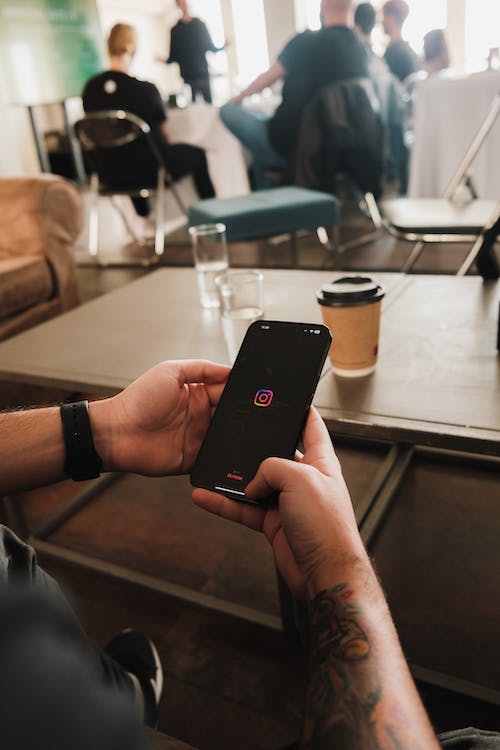
¿Se puede guardar una foto de Instagram?
Instagram restringe a los usuarios la posibilidad de guardar directamente fotos de otras cuentas en sus teléfonos y otros dispositivos. Pero, ¿sabías que la plataforma te permite hacer fotos a través de la aplicación? Puedes guardarlas directamente en tu galería.
Entonces, ¿cómo puedes guardar una foto de Instagram hayas hecho con la cámara Instagram? Puede que no sea tan sencillo como hacer clic con el botón derecho y guardarla, pero tampoco es difícil.
Si quieres guardar las fotos que has hecho en Instagram las que has editado allí, sigue estos pasos:
- Vaya a su perfil pulsando el icono de perfil.
- Toca las tres líneas horizontales y entra en "Ajustes".
- Selecciona "Cuenta" y luego "Fotos originales" o "Mensajes originales".
- Activa la opción "Guardar fotos/post originales".
Una vez que hayas seguido estos pasos, verás una carpeta llamadaInstagramen la galería de fotos de tu móvil. Todo el Instagram se transfiere allí.
Cómo guardar fotos de Instagram
Instagram todo un éxito desde su lanzamiento. ¿El motivo? Ofrece funciones extraordinarias para compartir y conservar recuerdos en forma de fotos y vídeos. Gente de todo el mundo empezó a documentar y compartir sus experiencias, a etiquetar a otros usuarios o a compartir las publicaciones de los demás. Sin embargo, había un problema: los usuarios no podían guardar ni ver esos recuerdos en sus móviles fuera de sus Instagram .
La falta de una opción para descargar fotos y vídeos directamente desde la aplicación de Instagram resultar frustrante. ¿Por qué es así?, te preguntarás.
Bueno, imagínate que alguien utilizara una de tus fotos como si fuera suya sin mencionarte como autor. No estaría bien, ¿verdad? Instagram introducir una función de descarga debido a los posibles riesgos relacionados con la privacidad y la propiedad intelectual. No tienen previsto añadir esta función en un futuro próximo.
¿Cómo se guardan las fotos de Instagram? ¿Son imágenes de lugares hermosos para nuestra lista de cosas que hacer antes de morir o las guías gráficas sobre el cuidado de tus bebés vegetales? ¿O el tutorial de recetas de té que siempre has querido probar? Algunos querrán guardar una foto de Instagram antes de desactivar su cuenta.
Las capturas de pantalla son la solución. Pero hay muchas otras formas de guardar Instagram . Entre ellas se incluyen aplicaciones externas para guardar fotos, algunas de las cuales pueden requerir una suscripción de pago. Sin embargo, es fundamental comprender y respetar las directrices de privacidad Instagram. Asegúrate siempre de guardar únicamente contenido público que no requiera un permiso o consentimiento específico.

Guarda Instagram desde tu ordenador, Android e iOS
Puedes descargar una historia o una foto en un ordenador de sobremesa, pero no directamente, debido a cuestiones de derechos de autor. ¡Pero no te preocupes! Hay una solución alternativa para los usuarios de ordenadores de sobremesa. Sigue estos pasos:
- Abra la imagen en una nueva pestaña del navegador.
- Haga clic con el botón derecho y seleccione "Ver fuente de la página".
- Encuentre el primer enlace .jpg en el código.
- Copie la URL y péguela en una nueva pestaña del navegador para descargar la imagen.
Puedes guardar Instagram en Mac, Android e iOS con la ayuda de aplicaciones de terceros. Cada tienda de aplicaciones ofrece aplicaciones de terceros que te ayudan a guardar Instagram .
Si la aplicación de terceros no responde, puedes hacer una captura de pantalla. Sin embargo, ten en cuenta que esto podría afectar a la calidad de la imagen o infringir las normas de privacidad.
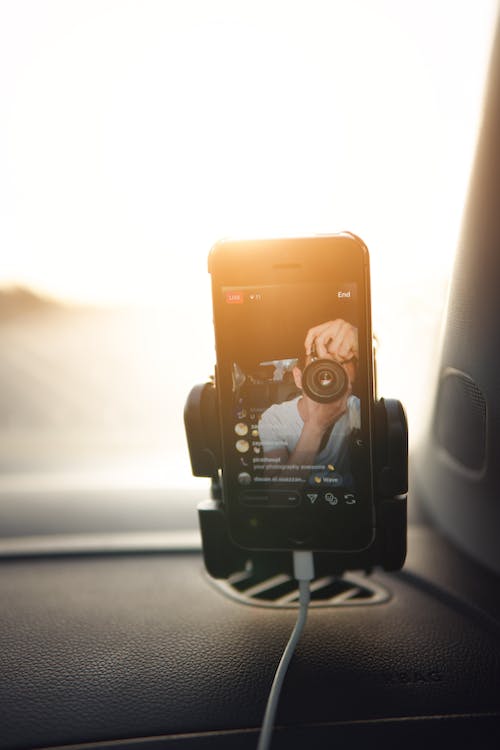
Cómo guardar vídeos de Instagram, incluidos los Reels
En el vertiginoso panorama digital, los usuarios de las redes sociales tienen una capacidad de atención muy limitada. Por ello, Instagram de menos de 90 segundos, también conocidos como «Reels», se han convertido en una tendencia de moda. Según los estudios, los usuarios ven alrededor de 17,6 millones de horas de Reels al día.
Los Reels no solo se utilizan para compartir experiencias. Muchas Instagram utilizan los Reels para publicar noticias, contenido educativo y tutoriales. Dado que la mayoría de estos vídeos cortos contienen información útil, muchos usuarios quieren guardarlos. Entonces, ¿cómo se guardan los vídeos de Instagram?
Por desgracia, Instagram guardar cualquier tipo de contenido, incluidos los Reels y los vídeos, directamente en tu dispositivo. Entonces, ¿de verdad no hay otra opción que ver cómo tus vídeos favoritos se pierden en el mar de Instagram ?
¡Claro que sí! Si eres un influencer en ciernes y quieres guardar vídeos para inspirarte, puedes guardarlos en la sección «Guardados» de Instagram. Se trata de una biblioteca integrada en la aplicación donde puedes recopilar contenido inspirador y consultarlo en cualquier momento.
Además de esto, hay varias formas de guardar vídeos y «reels» en tu galería.
Aplicación web de terceros
Muchas aplicaciones web de terceros pueden ayudarte a guardar vídeos de Instagram. Todo lo que tienes que hacer es copiar la URL del vídeo y pegarla en su interfaz. Pero cuidado con el robo de contenidos. Instagram se toma muy en serio la protección de los derechos de autor de los creadores de contenidos.
La nueva función de descarga desde la aplicación para Reels
Instagram aún más a los usuarios la descarga de Reels directamente desde la aplicación. Si te encuentras con un Reel que te llame la atención, puedes guardarlo en tu dispositivo. A continuación te explicamos cómo hacerlo:
- Pulse el icono de compartir en el Carrete que desea descargar.
- Busque la opción "Descargar" en el menú que aparece.
- Tócalo y guarda el Reel en la galería o en el carrete de tu dispositivo.
Aumente sus seguidores en Instagram con Path Social
Como influencer en ciernes, quizá te interese saber cómo guardar fotos de Instagram inspirarte. Al utilizar el contenido de cuentas populares, podrás crear el tipo de contenido que busca tu público objetivo.
Sin embargo, estas son formas más creíbles de evaluar las métricas de Instagram para averiguar qué funciona y qué no. No estás seguro de cómo conseguir Meta Verified o construir una comunidad duradera de seguidores?
Deje que Path Social le guíe. Nuestra experiencia de una década en la gestión de Instagram y nuestros exclusivos algoritmos de segmentación por IA nos ayudan a atraer a un público realmente interesado. Nuestro objetivo es crear conexiones genuinas y crear una comunidad Instagram comprometida y persistente. Comience su viaje hacia una próspera presencia en Instagram con Path Social y deje que su historia se desarrolle.
¿A qué estás esperando? Aprende a guardar fotos de Instagram y empieza a crecer y ganar seguidores de Instagram hoy mismo con Path Social.





¿Quieres aumentar tus seguidores orgánicos Instagram ?
Consigue seguidores reales y comprometidos con nuestro sistema de crecimiento orgánico basado en la inteligencia artificial.
Aumentar seguidores orgánicos Instagram




