


Quelle est la meilleure application pour faire des bobines en 2024 ?

Instagram | 4 septembre 2025
Il semble qu’il existe aujourd’hui des applications pour tout ce qui touche à l’ Instagram . Certaines prétendent pouvoir vous aider à gagner plus d’abonnés, tandis que d’autres promettent d’augmenter le nombre de « j’aime » sur vos publications. D’autres applications, en revanche, ont pour but de vous aider à mettre en valeur vos publications et à les rendre plus esthétiques et de meilleure qualité. C’est notamment le cas des nombreuses applications de montage vidéo destinées aux Reels d’ Instagram . Aujourd’hui, nous allons passer en revue les meilleures applications pour créer des Reels, en fonction de vos besoins en matière de montage.
Il existe une multitude d'outils qui peuvent devenir vos meilleurs alliés pour le montage de vos Reels. On trouve aussi bien des applications gratuites que des applications payantes. Ces outils sont axés sur les effets spéciaux et proposent des éditeurs classiques permettant des transitions fluides. Il vous suffit de choisir celui qui correspond le mieux à vos besoins et à vos compétences en montage.
En choisissant le bon outil de montage vidéo, vous mettrez toutes les chances de votre côté pour réussir vos Reels. Et nous vous avons simplifié la tâche. Dans ce guide, vous découvrirez huit des meilleures applications de montage vidéo pour les Reels d'Instagram . Parcourez-les pour trouver celle qui vous convient le mieux !
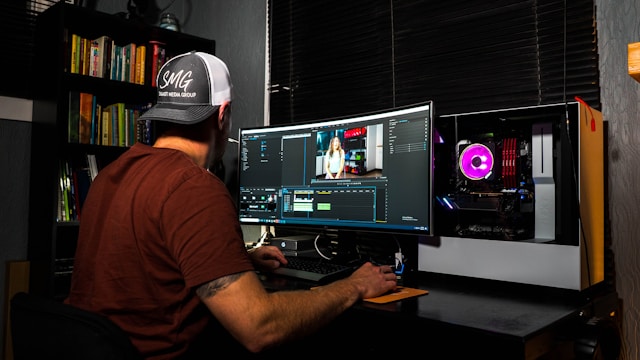
Pourquoi utiliser des outils de montage vidéo pour créer vos bobines Instagram ?
Les Reels comptent aujourd’hui parmi les formats de contenu les plus prisés sur Instagram . Des influenceurs aux entreprises en passant par les comptes personnels, tout le monde adore regarder et publier des Reels. Ces courtes vidéos verticales sont extrêmement addictives et constituent d’excellents outils marketing.
Comme tout le monde adore les Reels d'Instagram , la plateforme regorge de ce type de contenu vidéo. Ainsi, si vous souhaitez vous lancer dans la création de Reels, vous devrez redoubler d'efforts pour vous démarquer. Pour ce faire, vous pouvez notamment utiliser une application de montage vidéo tierce afin d'améliorer l'esthétique générale de vos Reels.
L'utilisation d'un logiciel de montage vidéo pour créer vos Reels présente de nombreux avantages. Certes, Instagram dispose de son propre éditeur de Reels intégré. Mais d'autres applications offrent des fonctionnalités qui vous permettent de mieux contrôler le rendu de vos vidéos afin qu'elles correspondent exactement à ce que vous aviez imaginé.
Les applications de montage vidéo vous permettent de laisser libre cours à votre créativité grâce à leur large éventail de fonctionnalités de montage très utiles. Grâce à ces applications, vous pouvez rogner, couper et ajouter des effets sonores, des animations et des transitions dynamiques à vos séquences vidéo. Certaines applications proposent également des fonctionnalités avancées, telles que des filtres, le montage multicouche, l'exportation en haute résolution et des effets cinématographiques.
Que vous optiez pour des applications basiques ou avancées, ce genre d’outils peut rendre vos Reels plus intéressants et captivants. Et lorsque vos Reels sont de grande qualité et apportent de la valeur ajoutée, ils génèrent davantage de vues. Ainsi, si vous souhaitez réussir à créer des Reels sur Instagram , une application de montage fiable peut devenir votre alliée incontournable.
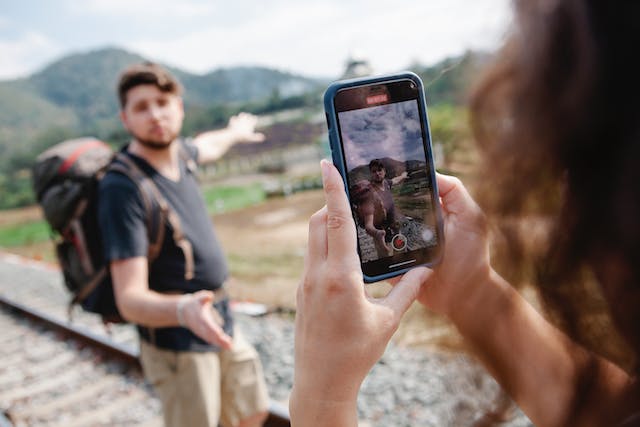
Meilleure application de montage de bobines avec modèles vidéo pour les débutants : Canva
Les créateurs de Instagram Reels ne sont pas tous des experts en matière de montage et de conception de contenu esthétique. Les débutants et ceux qui n'ont pas l'œil pour le design auront besoin d'un peu d'aide supplémentaire grâce aux modèles vidéo.
Si Canva est surtout connu pour ses modèles d’affiches et de brochures numériques, la plateforme propose également des modèles de vidéos au format vertical. C’est pourquoi elle constitue la meilleure application de montage de Reels pour les débutants qui ont besoin d’un coup de main pour réaliser de superbes vidéos verticales sur Instagram .
Pour Instagram , les applications proposant des modèles de Reel, comme Canva, offrent des milliers d’éléments graphiques, de photos et de polices, ainsi que des centaines de modèles. Et le mieux, c’est qu’elles sont entièrement gratuites. Il vous suffit de choisir un modèle et d’y importer vos extraits vidéo. Ensuite, il ne vous reste plus qu’à glisser-déposer, comme pour tous les autres modèles créatifs et faciles à utiliser de Canva.
Le montage de Reels avec Canva ne vous permet pas seulement d'obtenir des vidéos captivantes. Il vous permet également de créer votre vidéo en un temps record. Grâce aux modèles déjà disponibles, vous n'avez pas besoin de partir de zéro pour créer votre Reel. Cela vous fait gagner énormément de temps.
De plus, vous n’avez pas à vous prendre la tête pour imaginer le style, les transitions et les effets de votre Reel. Les modèles de Canva s’en chargent déjà pour vous ; il vous suffit d’y insérer vos extraits vidéo, et le tour est joué. C’est vraiment le moyen le plus simple de créer des Reels si vous débutez avec ce format de contenu !
La meilleure application pour faire des bobines avec de la musique et des voix off : CapCut
Certains créateurs de contenu vous diront peut-être que c’est le son qui fait ou défait un Reel. Et ils n’ont pas tort. La musique de fond et la voix off d’une vidéo confèrent à un Reel son caractère et son intérêt divertissant. Si le son est primordial pour vous, utilisez CapCut, la meilleure application pour créer des Reels avec de la musique et des voix off.
CapCut est un outil de montage vidéo développé par la société sœur de TikTok. Cependant, vous pouvez également l'utiliser pour monter des vidéos verticales destinées aux Reels d'Instagram . C'est un excellent logiciel de montage vidéo polyvalent qui vous permet de découper et de fusionner des vidéos, mais aussi d'y ajouter du texte et des autocollants. Mais s'il y a bien une chose qui distingue CapCut, c'est sa spécialisation dans la musique et les effets sonores.
CapCut dispose d'une vaste bibliothèque de morceaux libres de droits que vous pouvez utiliser pour ajouter de la musique à vos vidéos. CapCut propose également de nombreux effets sonores que vous pouvez superposer les uns aux autres. Ces sons peuvent rendre n'importe quelle bobine plus attrayante qu'elle ne l'était à l'origine.
En plus de vous permettre d'ajouter de la musique et des effets sonores, CapCut vous offre également la possibilité d'enregistrer des voix off pour vos Reels. Contrairement à d'autres applications de montage tierces, celle-ci n'impose aucune limite de durée à vos enregistrements vocaux. Elle vous permet également de jouer sur la hauteur, la vitesse et le volume de votre voix off. La fonctionnalité de sous-titrage automatique vient couronner cette fonctionnalité déjà formidable.
La musique est un excellent moyen de mettre en valeur vos Reels sur Instagram et d'y ajouter une touche narrative. CapCut vous permet d'expérimenter avec toutes sortes d'extraits audio et de voix off, vous offrant ainsi la possibilité de vous exprimer de manière créative à travers le son.
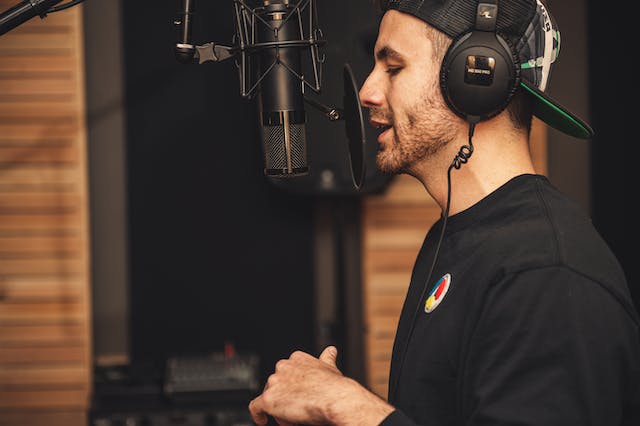
Meilleure application payante pour le montage vidéo : Adobe Premier Rush
Si Adobe est surtout connu pour Photoshop, la société propose également une application mobile de montage vidéo appelée Adobe Premier Rush. Cette application permet à tout un chacun de monter ses vidéos prises avec son téléphone comme le ferait un professionnel. Cette application payante offre de nombreuses fonctionnalités avancées, allant de la correction des couleurs à l'exportation de vidéos en haute définition. Voici quelques-unes des nombreuses possibilités offertes par cette application :
- Créez des transitions fluides d'un clip à l'autre.
- Ajustez la vitesse de votre vidéo pour la rendre plus lente ou plus rapide.
- Ajoutez du son à partir de la bibliothèque de musique libre de droits d'Adobe. Vous pouvez également ajuster le son de votre Reel en réduisant le bruit et en équilibrant les sons.
- Utilisez l'un de leurs modèles et insérez-y facilement vos vidéos et vos photos.
- Partagez votre vidéo directement sur Instagram et d'autres plateformes de médias sociaux en un seul clic.
Bien sûr, vous ne payez pas seulement pour toutes ces fonctionnalités. Vous payez également un supplément pour la renommée d’Adobe, l’une des plus grandes marques dans le domaine du design et de l’édition. Attendez-vous donc à ce que cette application soit assez chère. Mais ne vous inquiétez pas : nous pouvons vous garantir que ses fonctionnalités exceptionnelles amélioreront considérablement vos Reels sur l’ Instagram . Vous ne regretterez certainement pas d’avoir investi dans cette application !
Meilleures applications gratuites pour faire des bobines : Instagram Itself !
Bien sûr, il ne faut pas oublier de mettre en avant « Instagram » ! « Instagram » s'impose comme la référence absolue en matière de montage de Reels. C'est pourquoi nous la classons parmi les meilleures applications gratuites pour créer des Reels.
InstagramL'éditeur Reels intégré à l'application ne dispose peut-être pas d'un grand nombre de fonctionnalités avancées, mais il offre tout ce dont vous pourriez avoir besoin pour créer du contenu vidéo captivant pour vos abonnés. Sur Instagram, vous pouvez découper et réorganiser des extraits vidéo pour raconter l'histoire que vous souhaitez. Vous pouvez également essayer d'ajouter des transitions tendance à vos extraits pour les rendre encore plus captivants. Vous pouvez ajouter de la musique et des incrustations de texte à vos clips. Si vous vous sentez d’humeur particulièrement espiègle, vous pouvez même utiliser des filtres VR amusants pour donner un peu plus de peps à vos vidéos de selfies.
L'une des particularités d'Instagram , c'est qu'il vous permet de filmer des clips directement depuis l'éditeur Reels. C'est idéal pour créer rapidement et sans chichis des Reels dans lesquels vous vous adressez à votre public.
Si vous ne souhaitez pas télécharger une application de montage tierce (ou payer pour en utiliser une), contentez-vous de l'éditeur d'Instagram . Il ne dispose peut-être pas de toutes les fonctionnalités sophistiquées proposées par certaines applications vidéo plus avancées. Mais il est idéal pour créer des Reels simples, tout en restant amusants et ludiques, tout en vous faisant gagner du temps et de l'argent.

Le meilleur pour les formats uniques et les effets tendance : InShot
InShot est une autre application de montage vidéo très populaire que les utilisateurs se servent pour créer leurs Reels. Elle couvre toutes les fonctionnalités de base, du découpage facile de vos vidéos au réglage de la vitesse, en passant par l'ajout de musique au résultat final. Mais l'un de ses principaux atouts est de permettre aux utilisateurs de s'amuser avec des effets et des transitions ludiques et tendance.
InShot tient compte des dernières tendances d'Instagram s Reels lorsqu'il développe de nouvelles transitions. Vous pouvez utiliser des effets vidéo en 3D, remplacer le ciel et même vous faire passer pour un géant dans votre vidéo. C'est formidable pour les créateurs qui souhaitent divertir leur public de manière légère et tendance.
L'application est également très pratique pour travailler avec des clips vidéo horizontaux que vous souhaitez publier sur Reels. Elle vous permet d'ajouter des bandes ou des espaces vides au-dessus et en dessous de ces clips, afin de les transformer en vidéo verticale. Vous pouvez également superposer des vidéos horizontales les unes sur les autres pour les rendre verticales grâce à l'application.
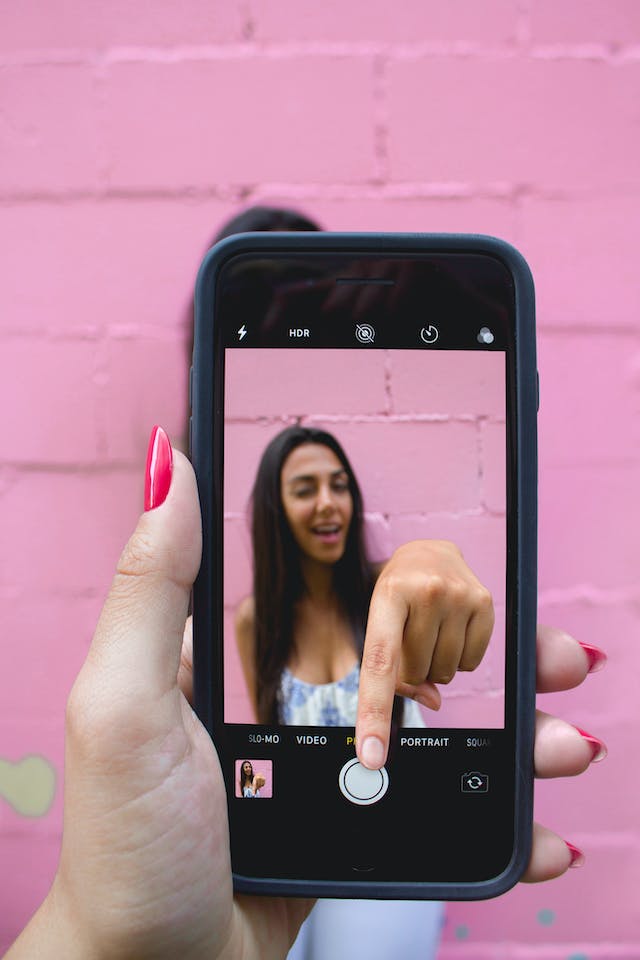
Meilleure application de montage pour les effets cinématographiques classiques : Splice
En général, les utilisateurs se servent des Reels d'Instagram pour créer du contenu léger et accessible. La plupart des créateurs ont tendance à utiliser des transitions simples, avec un minimum d'animations et d'effets. Tant que leur récit est bien mené, ces éléments ne sont de toute façon pas indispensables.
Mais d’autres se donnent beaucoup de mal pour créer des vidéos époustouflantes, aux effets visuels spectaculaires, dignes d’un film. Non, ces créateurs n’utilisent pas pour autant une caméra professionnelle pour réaliser ces vidéos. Ils y parviennent grâce à des séquences vidéo tournées avec leur téléphone et à une application de montage appelée Splice.
Splice vous permet d'ajouter à vos Reels des effets cinématographiques dignes d'Hollywood. Vous pouvez notamment réaliser des panoramiques et des zooms arrière, mais aussi créer des vidéos d'arrière-plan personnalisées pour votre Reel final. Une fois le montage terminé, votre vidéo donnera l'impression d'avoir été réalisée par une équipe de cinéastes professionnels.
Mais ce ne sont pas seulement les transitions cinématographiques qui permettent à Splice de donner à vos Reels un aspect soigné et satisfaisant. L’application effectue également un étalonnage des couleurs sur vos vidéos, à l’instar de ce que font les cinéastes avec leurs films avant le montage final. Vous pouvez ajuster les tons et les teintes de vos clips vidéo pour créer l’ambiance et l’atmosphère que vous souhaitez. Cela contribue grandement à la narration par la vidéo.

La meilleure application pour travailler avec un écran vert : Kinemaster
Les créateurs de contenu qui réalisent des bobines depuis un certain temps utilisent parfois un écran vert lorsqu'ils filment des vidéos. Cela leur permet de choisir des vidéos d'arrière-plan pour les accompagner dans leurs vidéos. C'est un moyen fantastique de peindre un cadre spécifique pour votre bobine. Il vous permet également de vous montrer et de présenter des photos ou des clips pertinents dans le même cadre.
Mais toutes les applications de montage ne disposent pas de fonctionnalités adaptées à l'utilisation d'un fond vert, également appelé « chroma key ». Il faut en trouver une qui vous permette de réaliser des composites par chroma key tout en conservant la haute résolution de vos vidéos. Et c'est exactement ce que propose KineMaster.
KineMaster vous permet de supprimer une couleur d'arrière-plan spécifique de vos vidéos. En général, il s'agit du vert, ce qui crée un fond vert. Cependant, vous pouvez choisir la couleur de votre choix. L'application vous permet ensuite d'ajouter d'autres clips qui serviront de vidéo d'arrière-plan à votre Reel. Et grâce aux réglages avancés de KineMaster, vous pouvez obtenir des vidéos en incrustation chromatique d'une grande netteté, avec un rendu professionnel. C'est l'outil idéal pour superposer des photos et des vidéos ! Mieux encore, vous pouvez exporter votre vidéo finale en 4K. Vous pouvez ainsi publier des Reels d'une grande netteté et d'une qualité exceptionnelle qui feront le bonheur de votre public.
Notez que KineMaster est une application de montage payante. Il existe certes une version gratuite, mais les vidéos exportées via celle-ci comporteront un filigrane. C'est juste pour vous prévenir !
Le meilleur pour les autocollants amusants, les emojis et les effets en réalité augmentée : Clips
Si vous adorez les emojis et les autocollants, vous allez adorer créer des Reels avec Clips, une application d'édition de Reels développée par Apple pour les appareils iOS. C'est l'outil idéal pour réaliser des Reels amusants, colorés et dynamiques.
Avec Clips, vous pouvez monter aussi bien des vidéos verticales qu'horizontales. Ajoutez tous les éléments graphiques de votre choix, des autocollants aux emojis en passant par les légendes, dans toutes les polices et couleurs imaginables. Vous pouvez même insérer des bulles de dialogue, ajouter de la musique depuis votre bibliothèque et intégrer du texte animé à vos clips si vous le souhaitez !
Tout comme avec l'éditeur Reels intégré à l'Instagram , vous pouvez également enregistrer des vidéos directement depuis l'application Clips. Vous pouvez aussi modifier l'apparence de la pièce dans laquelle vous vous trouvez grâce à la fonctionnalité spéciale « AR Spaces ». C'est un peu comme les filtres d'Instagram , mais cela permet de modifier tout un espace plutôt que simplement votre visage. C'est vraiment génial !
Des applications pour faire exploser les bobines !
Il existe une multitude d’applications qui peuvent vous aider à réaliser des Reels parfaits. Si vous ne vous sentez pas encore à l’aise pour conceptualiser du contenu vidéo, optez pour les modèles vidéo de Canva, adaptés aux débutants. Si vous souhaitez tester des effets cinématographiques ou travailler avec un fond vert, choisissez plutôt Splice ou KineMaster. Il existe un outil de montage vidéo adapté à chacun. Il suffit de faire le bon choix pour pouvoir commencer à produire les meilleurs Reels que vous ayez jamais réalisés.
Une fois que vous aurez trouvé l'application la mieux adaptée à vos compétences et à vos besoins pour créer des Reels, il sera temps de vous mettre au travail. Créez les Reels les plus créatifs, divertissants, accessibles et impressionnants possibles. Ensuite, utilisez Path Social pour les faire découvrir à un public plus large !
Notre algorithme de ciblage exclusif analyse votre contenu et le diffuse auprès de votre public cible. Ainsi, ce sont les personnes les plus susceptibles d'apprécier vos publications et d'interagir avec elles qui les verront réellement. De plus, comme de nombreux utilisateurs découvriront votre contenu pour la première fois, vous gagnerez une multitude de nouveaux abonnés. Développez votre communauté et augmentez dès aujourd'hui le nombre de vues sur vos Reels.
FAQ
Maintenant que vous savez quelle est la meilleure application pour créer des Reels, plus rien ne peut vous arrêter ! Toutefois, si vous avez d'autres questions à ce sujet, vous êtes au bon endroit. Consultez notre foire aux questions pour en savoir plus sur le sujet.
Comment exporter ma vidéo ?
La plupart des applications vous permettent d'exporter des vidéos au format adapté aux Reels d'Instagram (format vertical 9:16). Une fois le montage terminé, il vous suffit de sélectionner l'option d'exportation et de choisir la résolution (le 1080p est idéal pour Instagram). Après l'exportation, vous pouvez publier directement la vidéo sur vos Reels d'Instagram .
Quelle est la meilleure application pour créer des bobines Instagram avec des effets spéciaux ?
Les meilleures applications pour créer des bobines avec des effets spéciaux sont les suivantes :
- FilmoraGo : propose plusieurs effets, modèles et transitions animées.
- CapCut : propose une large gamme d'effets, notamment des transitions, des filtres et des animations vidéo avancées.
- InShot : propose plusieurs effets sympas, comme le glitch, le rétro et le bokeh.
- Kinemaster : Permet un montage vidéo multicouche avec de puissants effets et des animations par image clé.
Puis-je créer des transitions dans Instagram Reels ?
Oui, vous pouvez créer des transitions dans les Reels d'Instagram , aussi bien depuis l'application que via des applications tierces. Choisissez l'application d'édition de Reels la mieux adaptée à vos besoins spécifiques. Des applications telles que CapCut, InShot et Kinemaster proposent d'ailleurs des effets de transition de qualité professionnelle qui vous permettront de donner un rendu soigné à vos Reels.





Vous cherchez la meilleure façon d'obtenir des followers Instagram ?
Laissez nos stratégies de croissance organique ciblées par l'IA travailler pour vous.
Obtenir des followers Instagram maintenant




