



Imagínate lo siguiente: te has esforzado al máximo para crear una Instagram nueva Instagram . Quizá ahora te hayas dado cuenta de que Instagram es una buena idea, o estés creando una cuenta para tu nuevo negocio. Sabes qué tipo de Instagram quieres, así que estás listo para usar nuestro fiable generador de nombres de usuario e incluso ya tienes preparada una foto de perfil. Pero entonces te encuentras con un problema que a la mayoría de los principiantes en la plataforma les da pánico:Instagram no funciona.
No hay nada más frustrante que estar deseando crear una Instagram y que el proceso de registro no funcione. El molesto mensaje de error «¡Lo sentimos! En este momento se ha producido un problema al registrarte» puede ser una pesadilla para cualquiera. Arruina la experiencia fluida y agradable que ofrece esta red social. Además, pierdes mucho tiempo en el proyecto para el que estás creando la nueva cuenta.
Pero, ¿por qué a veces no funciona la función de registro Instagram? Hoy vamos a analizar qué puede haber fallado y cómo puedes solucionarlo. Esperamos que, al terminar esta guía, puedas crear por fin tu nueva cuenta sin problemas.
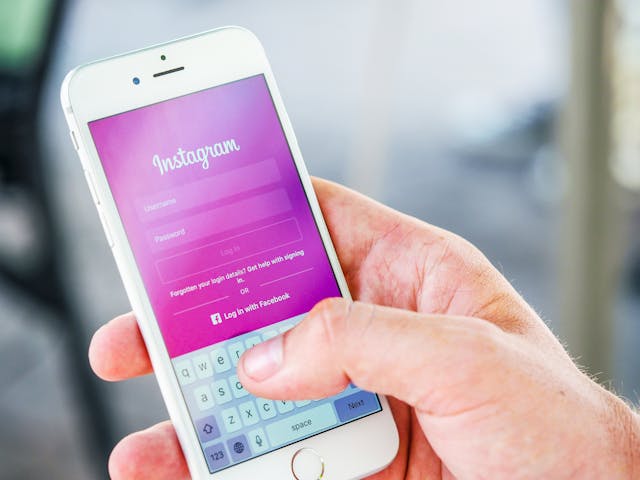
Por qué no funciona el registro en Instagram : 7 razones más comunes y soluciones rápidas
Estás seguro de que has introducido toda la información necesaria, pero ¿por qué no te deja Instagram ? Bueno, hay una gran variedad de razones por las que la página de registro no te permite crear una cuenta. Estas pueden ir desde problemas técnicos y fallos hasta errores humanos y el protocolo de la plataforma de redes sociales.
Examinemos siete de las razones más comunes por las que el registro en Instagram puede no estar funcionando y algunas soluciones comunes para hacerle la vida un poco más fácil.
1. La conexión a Internet de su dispositivo es realmente lenta
Si tu conexión a Internet es extremadamente lenta e inestable, es posible que no te estés conectando correctamente a los Instagram . Por este motivo, la aplicación no te permite crear una nueva cuenta.
Si tu conexión a Internet no va tan rápido, acércate un poco más al router. También puedes intentar reiniciar el router con la esperanza de restablecer la conexión y conseguir que sea más estable y rápida.
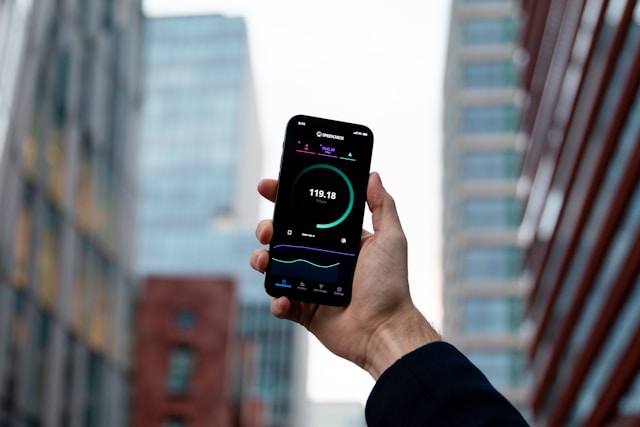
Comprueba bien si estás conectado a una red Wi-Fi estable o a datos móviles. Si todo parece estar bien en cuanto a la conexión, haz una prueba rápida de velocidad de Internet en línea para ver a qué velocidad va. Si la velocidad es demasiado lenta, prueba a cambiar a otra red de Internet que sea más rápida y estable.
2. No se puede crear una cuenta en Instagram con la misma dirección de correo electrónico
Cada dirección de correo electrónico tiene un límite máximo de cinco cuentas. Eso significa que no puedes crear Instagram a diestro y siniestro con la misma dirección de correo electrónico una y otra vez. Comprueba cuántas cuentas has creado con la misma dirección de correo electrónico. Si ya tienes cinco, Instagram te permitirá crear otra.
Intenta utilizar un correo electrónico diferente para registrarte en Instagram. Si realmente quieres utilizar tu correo electrónico principal para tu nueva cuenta, cambia el correo electrónico de una cuenta existente.
3. Instagram El cumpleaños no funciona porque eres menor de 13 años
¿No funciona tu fecha de registro en Instagram ? Puede que sea porque estás introduciendo una fecha de nacimiento que indica a la plataforma de redes sociales que eres menor de 13 años. Solo los mayores de 13 años pueden crear una cuenta en Instagram .
Instagram muy estricto con la edad mínima para registrarse en la plataforma. Esto se debe a que la Ley de Protección de la Privacidad Infantil en Internet (COPPA) establece unas directrices muy estrictas sobre los usuarios de redes sociales menores de 13 años. Incluso Instagram de entre 13 y 17 años pueden tener configurados controles parentales para mayor seguridad y protección. El cumplimiento de estas directrices permite Instagram crear un entorno en línea más seguro para todos, especialmente Instagram los adolescentes.

4. Tienes una versión antigua y desactualizada de la Instagram
Si utilizas una versión antigua de la Instagram , es posible que sea más propensa a sufrir fallos y problemas técnicos. Estos problemas pueden deberse a errores en la aplicación, que Instagram corregir de inmediato con nuevas versiones de la misma.
Estos errores pueden ser la causa de que los registros no funcionen. Es importante estar al tanto de las actualizaciones de tu aplicación para asegurarte de que no haya errores en la plataforma.
Ve a la App Store o a Google Play Store de tu dispositivo para comprobar si tienes la última versión de Instagram. Si no es así, pulsa«Actualizar»en tu dispositivo para pasar a la versión más reciente. Una vez finalizada la instalación, intenta volver a registrarte para crear una nueva Instagram . ¡Crucemos los dedos para que esta vez funcione!
5. Ha infringido anteriormente las normas comunitarias de IG con otra cuenta
Si te han suspendido alguna cuenta en el pasado, es posible que Instagram te impida crear nuevas cuentas. Esto podría deberse a que has infringido las normas de la comunidad de la plataforma mediante conductas inadecuadas, como el ciberacoso o la generación de actividad falsa en línea. Es posible que Instagram te impida crear nuevas cuentas debido a estos patrones de comportamiento, con el fin de garantizar la seguridad de la comunidad.
Si crees que la suspensión de tu cuenta se ha producido por error, ponte en contacto con Instagram recurre la decisión. Y cuando por fin crees una nueva cuenta en la aplicación, asegúrate de respetar siempre las normas de la comunidad.
6. Instagram Ha bloqueado su dirección IP
Si Instagram te Instagram haciendo algo sospechoso —como automatizar los «me gusta» o comprar seguidores—, es posible que bloquee tu dirección IP. Una vez que tu dirección esté marcada, es posible que la aplicación no te permita realizar ciertas acciones, como crear nuevas cuentas.
Tu dirección IP está vinculada tanto a tu dirección física como a tu conexión a Internet. Por lo tanto, si puedes modificar esos dos elementos, es posible que consigas sortear el bloqueo por IP.
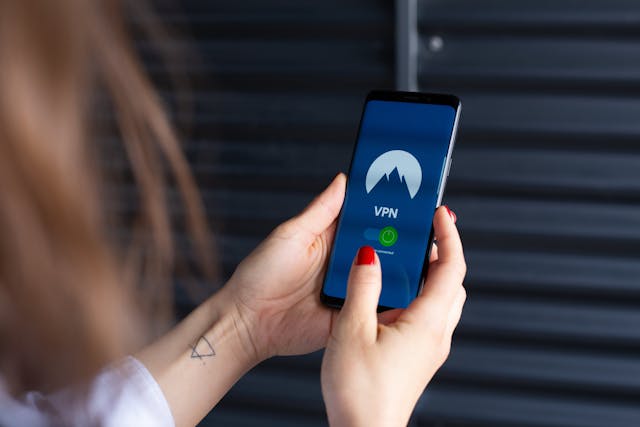
Prueba a conectarte a otra red de Internet para cambiar tu dirección IP. Si eso no funciona, también puedes reiniciar el router para obtener una nueva dirección. Para cambiar tu dirección física, utiliza una VPN para modificar tu IP de forma temporal. Esperamos que alguna de estas soluciones te permita eliminar el bloqueo de IP y crear tu nueva cuenta.
7. Hay un problema con el servidor en Instagram
A veces, que la página Instagram no funcione no es culpa tuya en absoluto. También podría deberse a que los servidores Instagramtienen problemas. Eso puede impedir que todo el mundo —no solo tú— realice determinadas acciones en la aplicación, como crear una nueva cuenta.
Los problemas técnicos en plataformas de redes sociales como Instagram deberse a muchas razones. Puede tratarse de trabajos de mantenimiento, problemas técnicos imprevistos o interrupciones del servicio debido a un tráfico elevado.
Hay muchas formas de comprobar si Instagram tiene problemas con el servidor. Una señal es que haya otros problemas en la aplicación aparte de la página de registro. Esto puede incluir notificaciones de que Instagram no funciona y fallos en tus mensajes de texto.
Para asegurarte aún más de que no haya ningún problema, consulta los demás canales oficiales Instagramen las redes sociales para ver si hay alguna actualización importante. También puedes echar un vistazo a las conversaciones en Twitter y Reddit para ver si otras personas están teniendo el mismo problema.
Pruebe nuestras soluciones rápidas para que pueda centrarse en hacer crecer su nueva página Instagram .
Hay muchas razones por las que la página Instagram no funciona. Podría tratarse de algo tan sencillo como una conexión a Internet inestable o de algo tan grave como una infracción de las normas de la comunidad. Si de verdad quieres crear una nueva cuenta, sigue nuestros consejos para solucionar problemas que te hemos dado anteriormente para resolver esas dificultades. A continuación, intenta registrarte de nuevo en la aplicación.
¿El botón Instagram sigue sin funcionar incluso después de haber probado todas las soluciones rápidas que te hemos recomendado anteriormente para cada problema técnico? Cuando todo lo demás falle y realmente necesites crear esa nueva cuenta, intenta ponerte en contacto Instagram para pedir ayuda. Con suerte, podrán llegar al fondo del problema y ayudarte a registrarte por fin en tu nuevo perfil.
Ahora que ya sabes cómo solucionar los problemas que impiden Instagram , por fin podrás crear una cuenta. Una vez hecho esto, podrás centrarte en hacer crecer tu perfil. Con Path Social, podrás aumentar el número de seguidores de tu nueva Instagram en un abrir y cerrar de ojos. Utilizamos inteligencia artificial para promocionar tu perfil entre el público adecuado. De este modo, tus publicaciones llegarán rápidamente a tu público objetivo específico, lo que te reportará un montón de nuevos seguidores a los que les encanta tu contenido. ¡Crea hoy mismo una Instagram sólida Instagram con nosotros!





¿Quieres una potente promoción Instagram ?
Amplíe su alcance con estrategias específicas que atraigan la participación y seguidores reales.
Comienza ya tu promoción Instagram




