


How To Audit an Instagram Account: A Step-by-Step Checklist

If your posts are getting fewer reactions than before, your reach is dropping. In that case, it’s time to check what’s going on. A regular Instagram profile audit helps you understand which actions bring results and which ones only reduce your page’s effectiveness.
An audit allows you to identify weaknesses in your profile and improve your content. It also helps to adjust your promotion strategy and attract active followers instead of random users.
Below, we’ll explain how to audit an Instagram account step by step.

What Is an Instagram Audit?
An Instagram audit examines your account to understand how each part performs. You track profile setup, content, engagement, hashtags, analytics, and follower activity.
The goal is to compare the metrics to see which actions boost your performance and which ones slow you down. This gives practical insights for improving your page, targeting the right audience, and achieving consistent growth.
Why Audits Are Important
Let’s imagine a small cosmetics brand that launches new skincare sets every month. The owner noticed that some posts get hundreds of likes and comments, while others hardly get any reactions. To understand why, they run an Instagram audit checklist.
During the audit, they check:
- Views and likes on each post
- The number of saves and reposts
- Comments and feedback
- The most popular topics and formats
- How followers respond to new products and collections.
This data helps the brand to:
- Identify the content that truly interests your followers, enabling you to plan posts for the month ahead.
- Pick the best times to post for maximum interaction.
- Improve captions, photos, and videos based on what works best for you.
- Set realistic goals for new campaigns and track their results.
- Avoid testing random post formats, hashtags, or caption styles and focus resources only on formats that get results.
Regular audits become the foundation for any business on social media.
Types of Instagram Audits
Instagram audits focus on different aspects of your account, depending on your goal. Each type helps you see what works and what doesn’t.
- Content Audit: Check which posts are most effective by analyzing your post style, topics, and posting frequency to understand what your followers enjoy.
- Interaction Audit: Examine how people respond to posts, likes, comments, shares, and saves to determine which posts receive the most activity.
- Follower Quality Audit: Determine whether followers are real and active or inactive accounts.
- Hashtag Audit: Review which hashtags bring more visitors to your posts and which do little.
- Competitor Audit: Observe other accounts in your area to get ideas and see which strategies work for them.
For most accounts, a content audit together with an interaction audit works best. These types clearly show what works with followers and what needs improvement.
How To Do an Instagram Audit
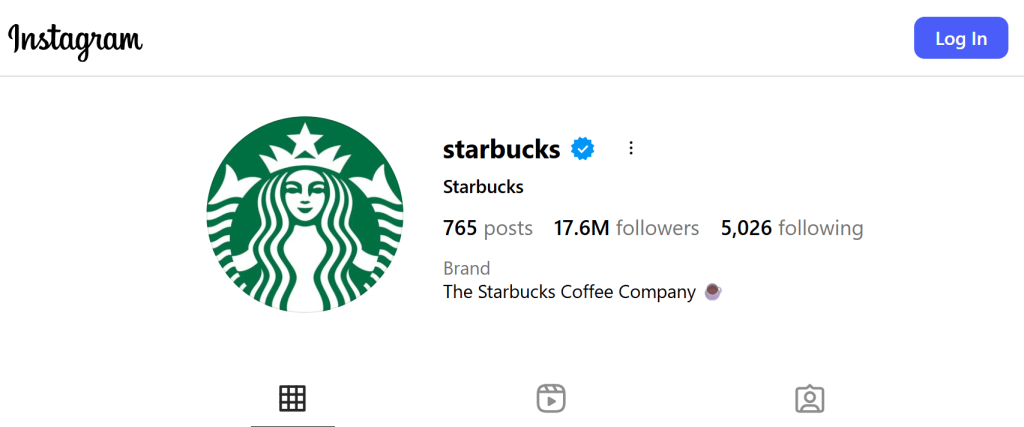
This section shows how to run an Instagram audit for any account, analyzing platform, posts, hashtags, and follower activity.
Identify Your Goals
Choose one or several metrics to review your profile: number of followers, likes, comments, saves, and views.
Review Your Profile Info
Check your bio, profile photo, link in bio, and contact info. Everything should be up to date and clearly describe who you are and what you do.
If you’re a brand, your bio should instantly explain your value, for example: “Natural skincare with zero waste.”
Add a clear call to action that guides visitors to the next step. For example, Shop Now, Subscribe, or Learn More, and link it directly to your offer.

Think About Your Branding & Visuals
Review your visual style, including photos, colors, and fonts. All posts should appear as part of a cohesive image. If it’s hard to judge your own, open competitor profiles and compare the overall look and feel.
Audit Your Content
In Instagram Insights, check which posts got the most likes, comments, saves, and views. Note which content types spark the most interest and which ones underperform. Those insights reveal your strong points.
Assess Your Posting Frequency
Review how often you post. A good rule of thumb is to share 3–5 posts per week and several stories per day. If you post less, followers may lose interest. If you post more, it could overwhelm them. However, the ideal schedule depends on your niche and audience.
Do Audience Research
Use Instagram insight to look at your followers’ age, location, and activity hours. This helps you post at the best time. For example, if most followers are active at 7 PM, that’s the best time to share new content.

Check Your Engagement Rate
Calculate engagement: (likes + comments + saves) ÷ number of followers × 100.
A good rate is between 2% and 6%. If it’s lower, it’s time to refresh your content.
Look at Your Hashtags
Review your post analytics to see which hashtags generate the most views and saves. The ideal mix is 20–25 hashtags, including some niche ones (#skincareforacne) and some broader ones (#skincare).
Run a Competitor Analysis
Pick 3–5 profiles from your competitors in your niche. Check how often they post, what formats work, and how many reactions they get. Use those insights to inspire and refine your own strategies.
Audit Your Instagram Account With Path Social!
If you want to run an Instagram page audit quickly without complicated spreadsheets or manual counting, use the free tool from Path Social.
It’s simple:
- Enter your account name
- Click Audit This Account
- Get an instant report with key metrics: follower count, average likes, comments, posts, and activity level.
Path Social provides accurate analytics directly from Instagram, so you get real numbers with no delay. It’s a faster way to see where you stand and what needs improvement.
What are you waiting for? Start with a free audit using Path Social now and take your first step toward a stronger social media strategy.
Frequently Asked Questions
How often should you do an Instagram audit?
Check your page once a month and do a full audit every 3–6 months. This helps you notice changes and improve your account.
What tools should you use for an audit?
For an Instagram audit, you should use Instagram Insights and the free Path Social tool. These provide key statistics and performance data about your page.
Does an audit help gain more followers?
Yes. Updating your content and profile design after an audit makes your page more attractive, which encourages more people to follow you.





Looking for Real, Organic Instagram Followers?
Let our AI-targeted organic growth work for you.
Get Instagram Followers Now